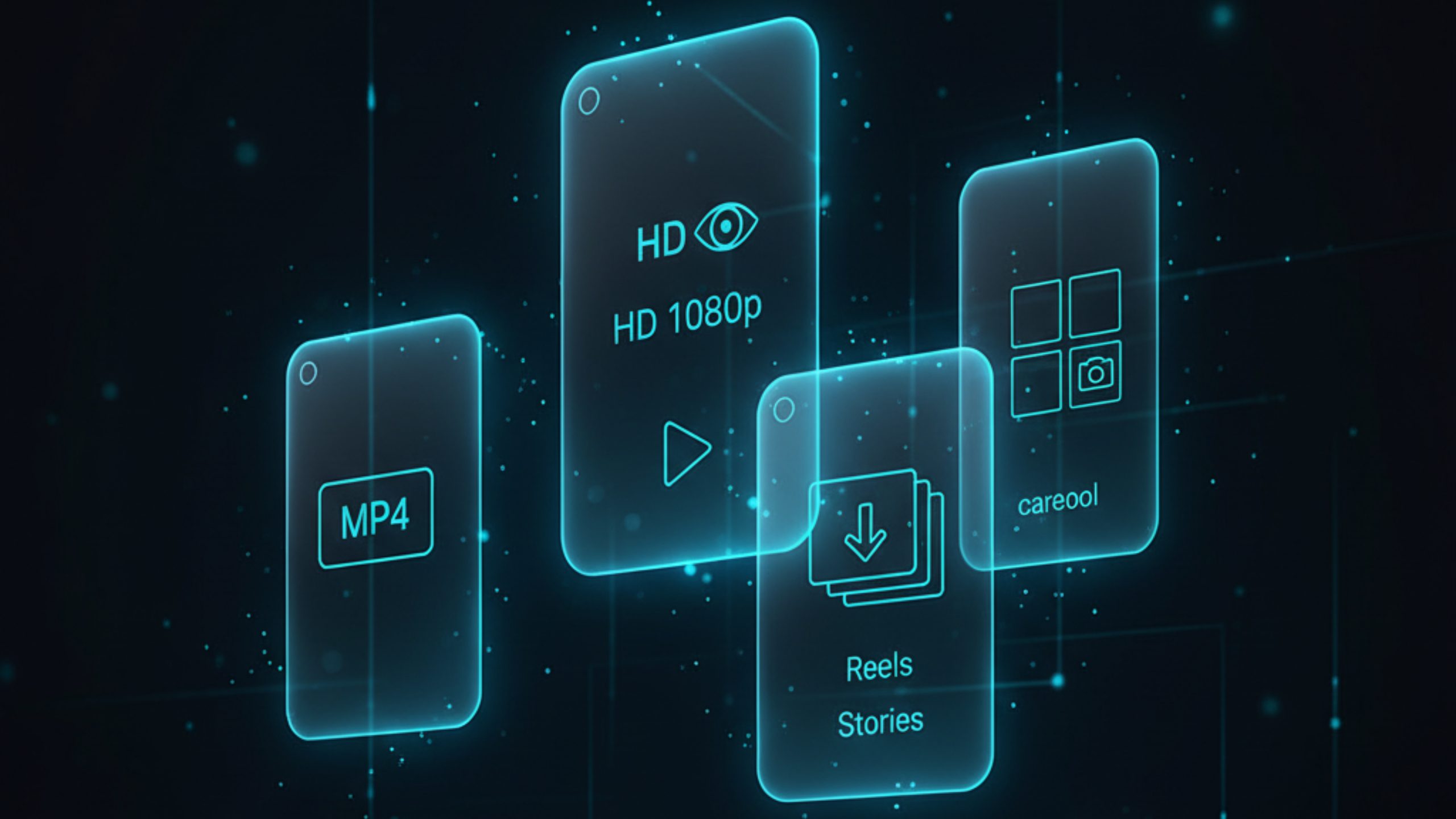
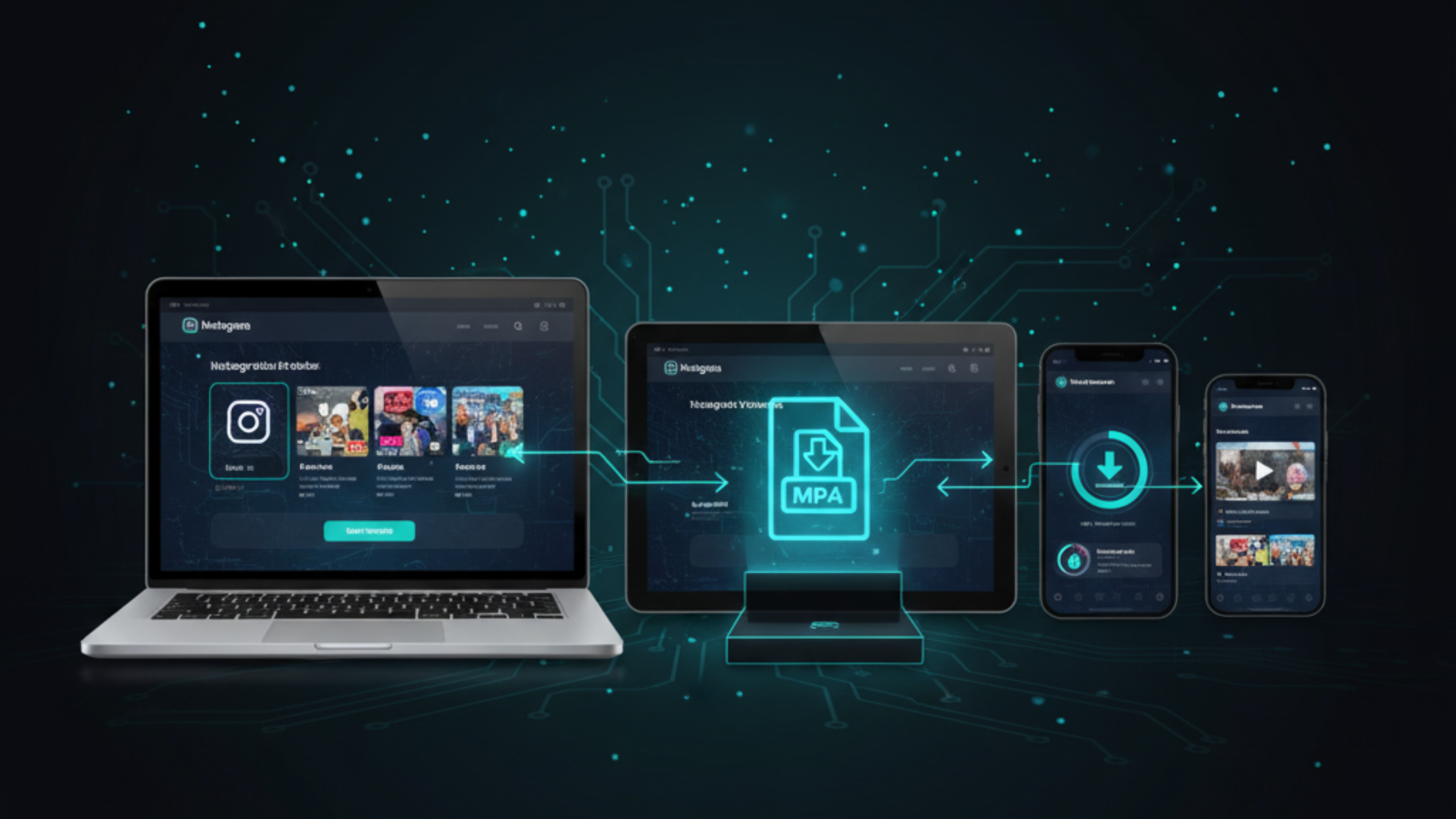
Instagram Video Downloader
Reels, Stories, Photos & Carousels (2025)

A practical guide to saving Instagram content in high quality on any device, with clear rules for HD, links, and privacy.

Instagram video downloader guide for Reels, Stories, photos and carousels

If you want an instagram video downloader that does not require risky apps, stick to a simple workflow: copy the post link, paste it into a browser tool, choose a format, then save the file. The quality you get depends on what Instagram serves for that specific Reel, Story, or post. This guide covers Reels, Stories, Highlights, carousels, and photos, plus device steps for iPhone, Android, and PC. You will also find fixes for common issues like “link not working,” low quality results, and private content limitations.

How to Download Instagram Videos in HD

A reliable method, plus quality rules that prevent wasted time.

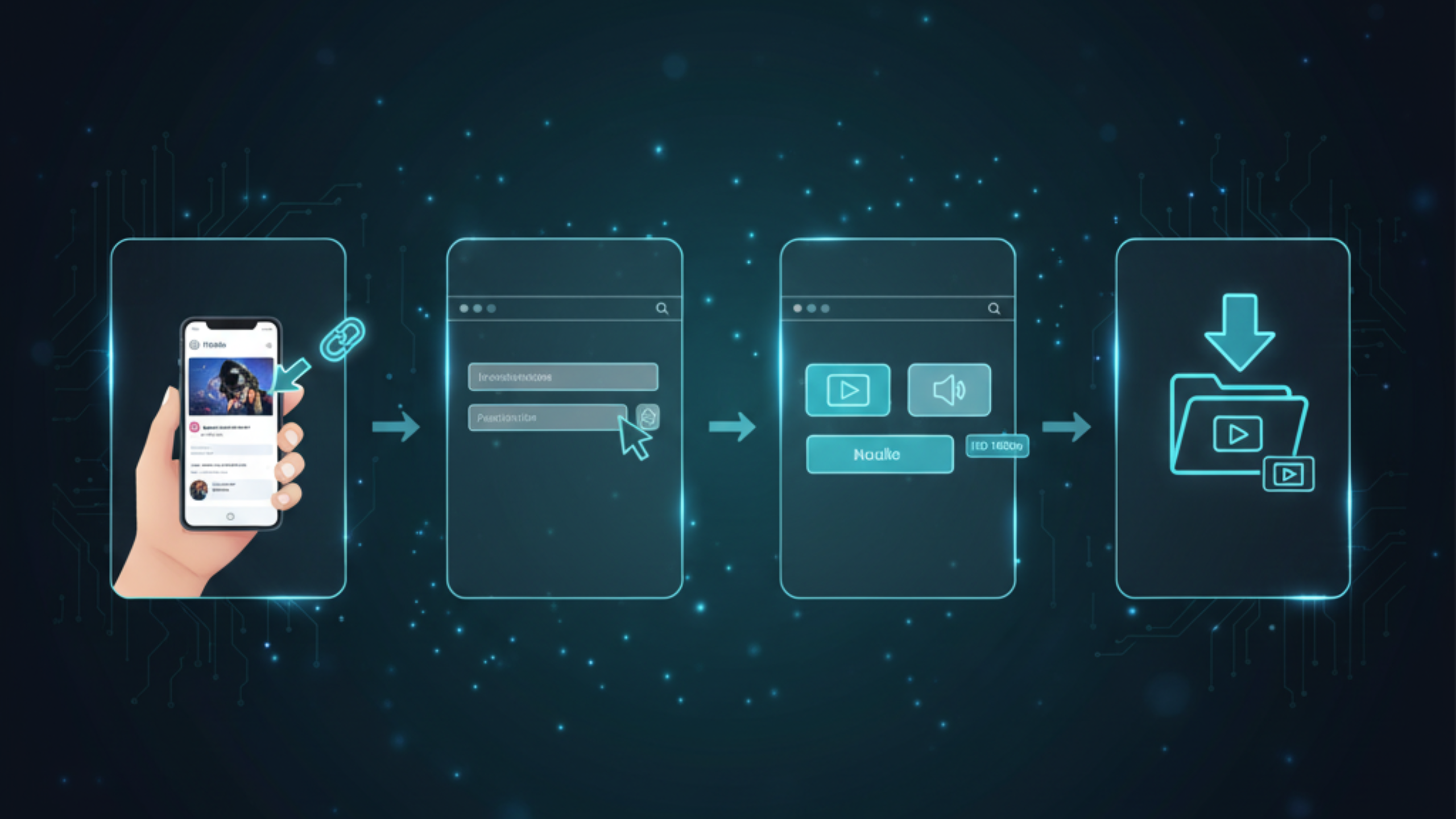
Visual steps to download Instagram videos using a browser downloader

Step-by-step (works for most posts and Reels)

  1. Copy the Instagram link from the post menu or share sheet (Reel, video post, or carousel).
  2. Open FreeSocialDownloader.com and go to the Instagram downloader tool.
  3. Paste the link into the input field.
  4. Select the file type you need (MP4 for video, image files for photos, MP3 when available for audio-only use).
  5. Choose the best available quality if options appear.
  6. Download and save the file to your device storage.
Quality rule that saves time: A tool cannot create “HD” that does not exist. If Instagram only serves a lower resolution stream for that post, the download will match what is available. This is why download instagram videos hd can look different from one Reel to another.

To download Instagram videos in HD, copy the post or Reel link, paste it into FreeSocialDownloader.com, select MP4, then save the file to your device. Video quality depends on what Instagram provides for that upload, so some posts offer sharper results than others. Avoid tools that request your login details.

Most Asked Instagram Download Questions

Quick answers people want before they try any tool.

Fast answers

  • Can I save Reels as MP4? Yes. MP4 is the standard format for offline video playback.
  • Can I download Stories anonymously? Downloading should not require login for public content, but do not expect access to private Stories.
  • Why is the quality lower than expected? Instagram may serve a smaller stream depending on the post and device.
  • Do carousels download as one file? Some tools provide separate files for each slide, which is better for quality.
  • Is it safe? It is safer to use tools that do not ask for passwords and work via a normal browser.
Simple rule: If a tool asks for your Instagram password, close it. A secure instagram downloader does not need your credentials for public links.

Formats, Quality Levels, and What You Can Save

Instagram formats explained: MP4 video, images, HD quality and audio extraction

Main entities you will see

  • Instagram link: a URL to a Reel, post, Story, Highlight, or carousel.
  • Instagram media file: the underlying video or image stream Instagram serves.
  • MP4: the most compatible video format for iPhone, Android, Windows, and macOS.
  • Images: individual photos from posts or carousels, best saved per-slide for quality.
  • Audio extraction: a separate audio file when the platform provides it cleanly (not always possible for every post).
  • HD quality: clarity depends on the source upload and Instagram processing.

MP4, images, and audio

  • MP4 is the default choice for videos and Reels because it plays everywhere.
  • Images are best downloaded as separate files for each carousel slide.
  • Audio extraction can work for some content, but not every Reel provides a clean standalone track.

HD, 1080p, and “high quality” expectations

Instagram does not guarantee the same resolution for every piece of content. Some creators upload high quality footage, but Instagram can still compress it. If you are trying to download instagram 1080p videos, treat it as “best available.” The most reliable path to higher clarity is starting with a post that looks sharp in the Instagram app and loads cleanly on a stable connection.

Practical tip: If you want the sharpest file, try downloading from a desktop browser. Desktop often loads a cleaner stream than an in-app browser with extra redirects.

What You Can Download on Instagram

Reels, Stories, Highlights, photos, and multi-photo posts explained clearly.

Reels

A dedicated instagram reels downloader should accept a Reel link and return an MP4 download option. For best results, copy the link from the Reel menu, then paste it into a browser tool. If your Reel link fails, open it in a normal browser once, then copy the final URL from the address bar and retry.

Stories and Highlights

An instagram story downloader can work for Stories that are still active and public or accessible to you. Stories expire, and Highlights depend on Story availability and permissions. If your goal is download instagram highlights, choose a tool that can parse Highlight URLs and save the video or image file.

Carousels and albums

An instagram carousel downloader usually returns each slide as its own file. That is the best outcome because it keeps quality intact and avoids forcing everything into one compressed bundle. If you see a single file option for a multi-photo post, expect lower quality or merged output.

Photos and profile images

If you want to save instagram photos in the highest available quality, download the original image file instead of screenshotting. Screenshots often reduce quality and add UI overlays. A instagram profile picture downloader is helpful when you need a clear profile image for reference, not redistribution.

Common question: “Is IGTV still a thing?” Most long-form Instagram video is now just video posts and Reels, but people still search for igtv download hd. Treat it the same way: copy the post link, download the MP4 file, and keep expectations tied to the original stream quality.

Device Guides: iPhone, Android, and PC

Download Instagram videos and photos on iPhone, Android, and PC

iPhone / iPad (Safari)

  1. Open Instagram and tap the three dots on the post or Reel.
  2. Tap Copy link.
  3. Open Safari and go to FreeSocialDownloader.com.
  4. Paste the link, choose MP4 (or image download), then download.
  5. Open the Files app → Downloads to find the saved file.

This is the cleanest workflow for instagram downloader iphone without installing extra apps. It avoids sketchy “helper” apps that request permissions you do not need.

Android (Chrome)

  1. Copy the Instagram link from the post menu.
  2. Open Chrome and paste the link into the Instagram downloader tool.
  3. Choose video or image output, then download.
  4. Find the file in Downloads or your Gallery (varies by device).

If you want instagram downloader android with no installs, browser download is the safest option.

Windows / Mac (Chrome / Edge / Safari)

  1. Open the Instagram post in a desktop browser.
  2. Copy the URL from the address bar.
  3. Paste it into the downloader and choose MP4 or image output.
  4. Save to your Downloads folder.

Desktop is usually best for instagram downloader for pc, large downloads, and fewer in-app redirect issues.

Tip that prevents broken links: If Instagram opens an in-app browser, use “Open in browser” when available, then copy the final URL. Many failures come from short links and redirects.

Private Content: What Works and What Fails

People search for an instagram private downloader, but “private” can mean several things: a private account, a close friends Story, restricted content, or a post that requires login. The practical rule is simple: if you do not have permission to view the content, you should not try to download it.

Cases where downloading can work

  • You can view the content normally in your browser or app with your own permitted access.
  • The account is public and the post is not restricted in your region.
  • A Story is active and visible to you (public or shared with you).

Cases where it will fail

  • The account is private and you are not approved.
  • The content is close-friends only and you are not included.
  • The post is removed, restricted, or blocked for your location or age settings.
Safety reminder: A secure instagram downloader does not ask for your password. Never enter credentials into third-party download sites.

Comparison: Best Methods by Situation

Method A is best for speed. Method B works if links are tricky.

Quick comparison

  • Method A (Browser downloader): best for fast saves, clean output, and no installs.
  • Method B (Desktop browser copy): best for carousels, higher quality files, and fewer redirect issues.
  • Method C (Instagram Save): best for bookmarking inside Instagram, not saving a file.
  • Method D (Screen recording / screenshots): last resort when nothing else works, but quality can drop.

Which method should you use?

If your goal is to download instagram mp4 quickly, browser download is usually the best start. If you need the cleanest output for a multi-slide album, desktop is often better because it is easier to copy a clean link and download each slide. Screenshots and recordings work when needed, but they reduce quality and can capture UI elements.

A common question is: “Why do some tools stop working?” Instagram changes delivery and link behavior often. Tools that update regularly stay compatible longer.

Expert Tips Most Instagram Download Guides Miss

Pick quality based on your real goal

Higher resolution is not always a better result. If you are saving a Reel to watch on a phone, the “best available” file is often enough. If you are archiving a tutorial or a product demo to rewatch on a bigger screen, prefer the highest quality option.

Desktop is better for carousels and clean downloads

Carousels often download as separate files. Desktop makes it easier to save each slide at full quality. If your goal is an instagram album downloader workflow, desktop is usually the least frustrating route.

Clean links reduce “not working” errors

Copy the full URL from a browser address bar when possible. Links copied from inside the app can include redirects or tracking that break extraction. A clean instagram video link downloader flow starts with a clean URL.

Use images instead of screenshots for photos

Screenshots often look softer and can miss the original dimensions. If you want an instagram image downloader hd result, download the actual image file instead.

Common myths

  • You cannot force “HD” if Instagram does not serve a higher quality stream for that post.
  • A private post is not “downloadable” unless you already have permission to view it.
  • Screen recording is not the same as downloading a clean file.

What most guides miss

Instagram can deliver different streams depending on device, network, and how the link is opened. If a download looks worse than expected, try the same post from a desktop browser and copy the clean URL again. That single change fixes many “low quality” complaints.

Real-world file size expectations

  • Short Reels: smaller files, quick saves.
  • Long videos: larger files and slower downloads, especially on mobile data.
  • Carousels: multiple separate files, best saved slide-by-slide.

Privacy and safety checklist

  • Never enter Instagram credentials into third-party tools.
  • Avoid unknown browser extensions that request wide permissions.
  • Download only content you are allowed to access and keep it for personal use.

Best workflow

  • Open the post in a browser if possible.
  • Copy the clean link from the address bar.
  • Paste into FreeSocialDownloader.com.
  • Choose MP4 for video or image files for photos.
  • Save and confirm quality before you close the page.

Quick takeaways

  • Quality depends on what Instagram serves.
  • MP4 for video, file downloads for photos and carousels.
  • Desktop is more stable for albums and clean URLs.
  • Clean links prevent errors.
  • Never use tools that ask for passwords.

If Download Isn’t Working: Causes and Fixes

The fastest fixes first, with clear reasons behind each one.

1) The link is incomplete or redirected

Instagram links copied from inside the app can redirect. Open the link in a browser, let it load fully, then copy the URL from the address bar and retry. This is the most common fix for “invalid link” errors.

2) The content is private or restricted

If you do not have permission to view it, downloads should fail. Private accounts, close friends Stories, and restricted posts cannot be downloaded safely without access.

3) Low quality output

Try downloading from desktop and copying a clean URL. If the post itself looks compressed inside Instagram, that is often the best quality available. Avoid screenshotting if you need sharper images.

4) Carousel downloads missing slides

Some albums load slides dynamically. If a slide is missing, refresh the post, copy the link again, and retry. Desktop browsers handle multi-slide parsing more consistently than in-app browsers.

5) Instagram changed delivery behavior

Instagram updates can change link patterns and media delivery. If something worked recently and fails now, use a tool that adapts quickly and keep your browser updated.

Quick reset checklist: Copy the link again, retry once, switch browser, then retry. If it still fails, it is usually a permission or restriction issue.

Real Use Cases People Actually Have

Short scenarios that match how people save Instagram content in real life.

Use case: saving a Reel tutorial before you go offline

You find a short tutorial that you want to reference later without searching again. You copy the link, save the MP4 file, and store it in your phone Downloads folder. When you need it, it is ready offline with no buffering.

Use case: saving a carousel for reference

A carousel explains steps or contains product photos you want to review later. You download each slide as a clean file instead of taking screenshots. The images stay sharper and easier to zoom.

Use case: saving a Highlight for personal archiving

A Highlight contains a short series you want to keep for reference. You use a browser tool to download the accessible Highlight video. If it disappears later, you still have a copy for personal viewing.

Many users ask: “Should I download from mobile or desktop?” Mobile is fastest for quick saves. Desktop is better for albums, clean links, and fewer redirect issues.

FAQ

Short answers to common questions about Instagram Reels, Stories, photos, carousels, quality, and safe downloading.

How do I download Instagram videos in HD?
Copy the post or Reel link, paste it into FreeSocialDownloader.com, choose MP4, then save the file. Quality depends on what Instagram serves for that post.
Can I download Instagram Reels as MP4?
Yes. A Reel link can typically be saved as an MP4 video file for offline playback.
Can I download Instagram Stories?
Only while the Story is still active and accessible to you. Stories expire, and private Stories require permission.
Can I download Instagram Highlights?
Often yes, if the Highlight is accessible to you. If it is private or restricted, it should fail.
How do I save Instagram photos in high quality?
Download the image file instead of taking a screenshot. Screenshots usually reduce quality and include UI overlays.
Do carousels download as one file or multiple files?
Most tools provide separate files for each slide, which is better for quality than a merged output.
Why is my download quality lower than the post looks?
Instagram may serve different streams depending on device and delivery. Try copying a clean URL from a desktop browser and retrying.
How do I download Instagram videos on iPhone?
Copy the link, open Safari, paste into the downloader tool, download, then find the file in the Files app under Downloads.
How do I download Instagram videos on Android?
Copy the link, paste it into the tool in Chrome, download, then check your Downloads folder or Gallery.
How do I download Instagram videos on PC?
Open the post in a browser, copy the URL from the address bar, paste it into the downloader, then save to Downloads.
Do I need to log in to download Instagram content?
Not for public posts. For private content, you must already have access to view it, and you should not bypass restrictions.
Is there an anonymous way to save Instagram Stories?
For public Stories, a browser downloader may work without login. Do not expect access to private Stories or close friends content.
Can I download private Instagram videos?
If you are not permitted to view the post, downloads should fail. Do not try to bypass access controls.
Why does my link say “invalid” or “not working”?
It is often a redirect link. Open it in a browser, copy the final URL from the address bar, and retry.
What is the safest way to download Instagram videos?
Use tools that do not request passwords, avoid unknown extensions, and download only content you are allowed to access.
Can I convert Instagram videos to MP4?
Most downloads are already delivered as MP4. If a tool offers a converter option, MP4 is the most compatible output.
Can I extract audio from an Instagram Reel?
Sometimes. Audio extraction depends on how the Reel is served. Not every post provides a clean separate audio track.
Where do my downloaded files save?
Usually in Downloads (desktop/Android) or in the Files app on iPhone. Browser settings can change the location.
Does “best Instagram downloader 2025” mean higher quality?
A better tool is more compatible with current link formats and streams, but it still cannot exceed the quality Instagram provides.
Is downloading Instagram content legal for personal use?
Download only content you are allowed to access and use. Copyright remains with the creator or rights holder.
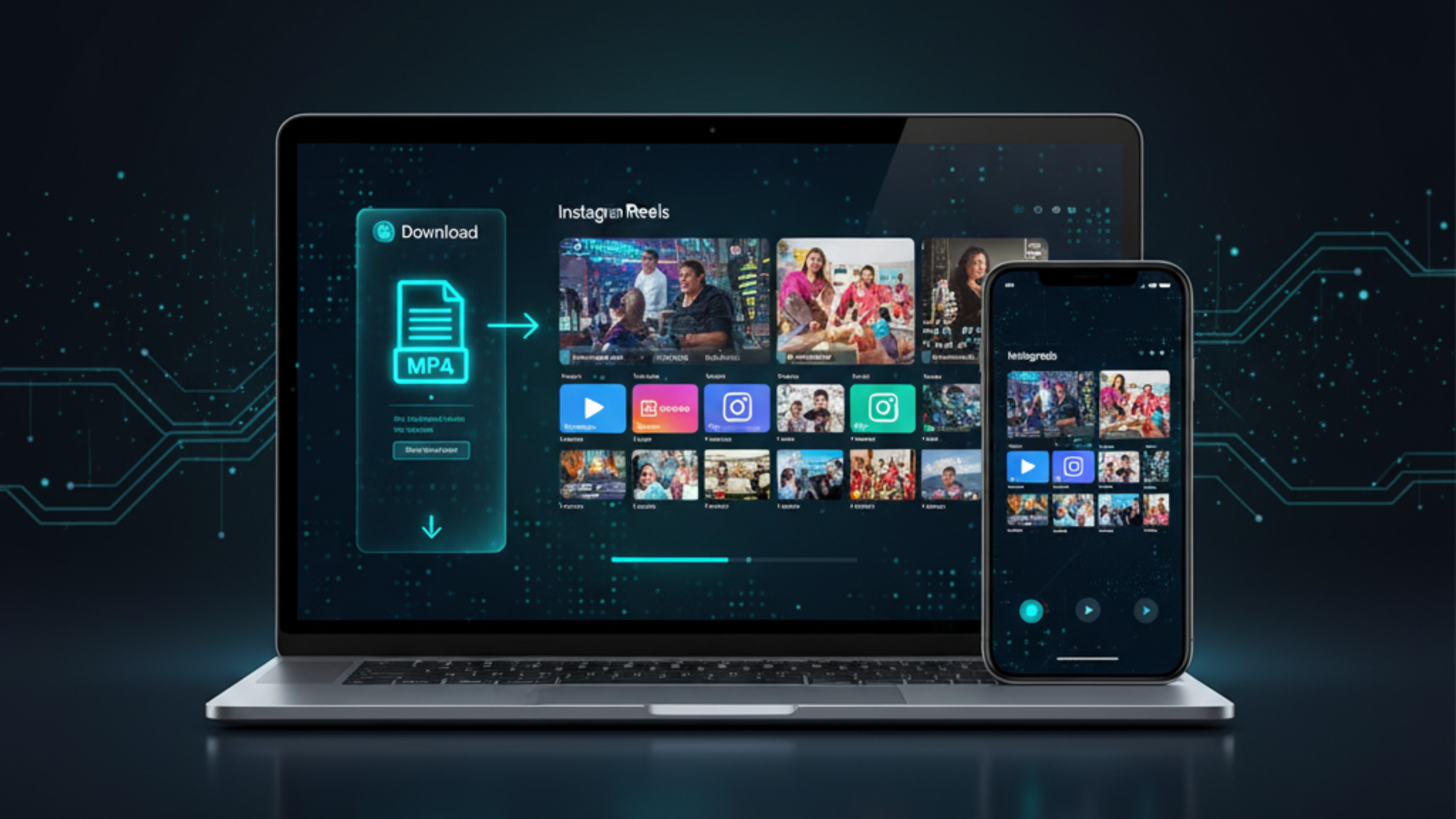
To save Instagram content cleanly, focus on the basics: copy a correct link, download the right format, and keep expectations tied to what Instagram serves. When downloads fail, it is usually a redirect link or a permission restriction. For fast, no-login downloads of public Reels, Stories, photos, and carousels on iPhone, Android, and PC, FreeSocialDownloader.com keeps the workflow simple.

Blog & Tutorials

Practical guides to download videos in HD from all major platforms.