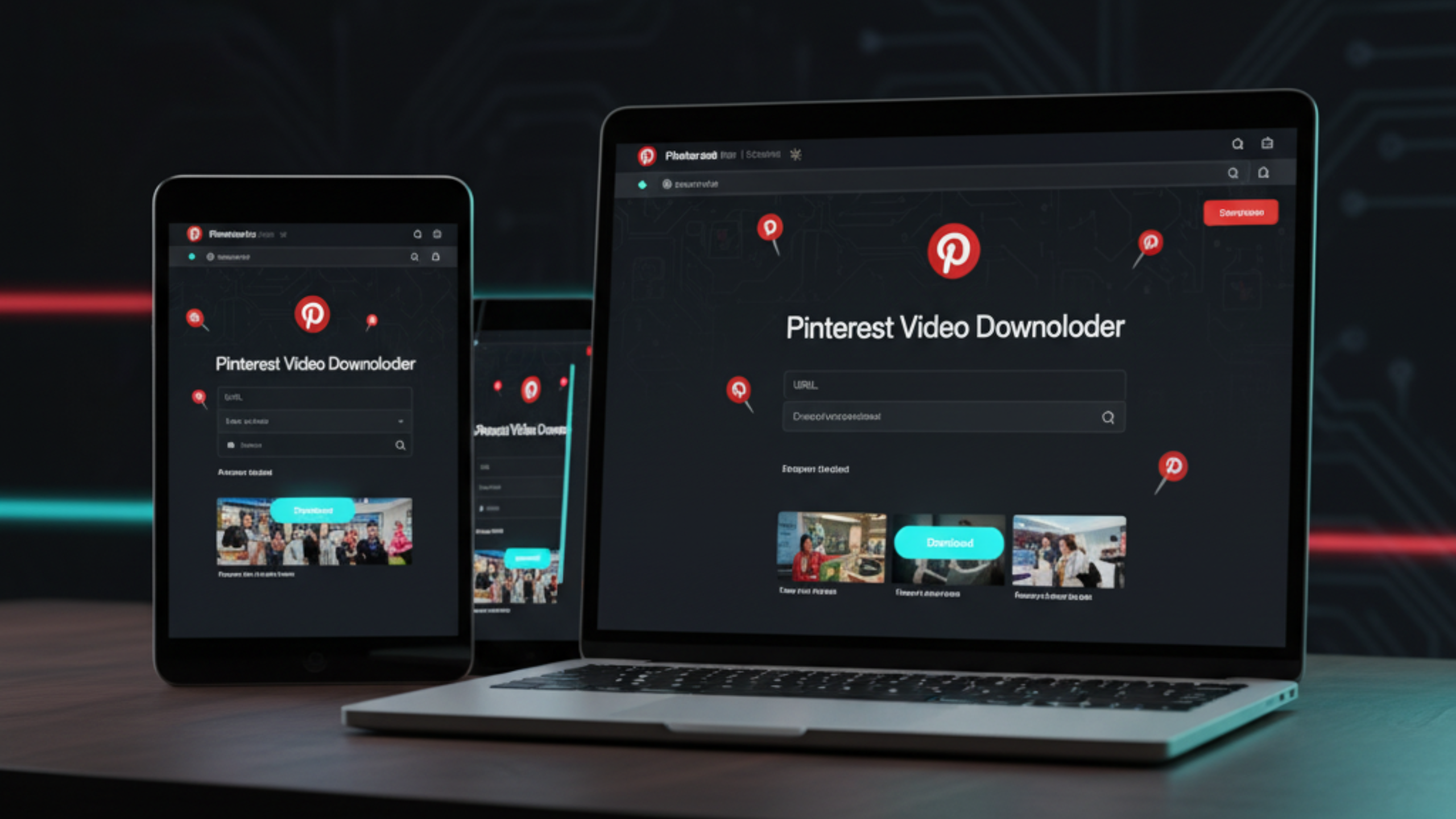
Pinterest Video Downloader
HD, MP4, 4K, GIF & Images (2025)

A practical guide to saving Pinterest videos, Idea Pins, GIFs, and images in high quality on any device.

Download Pinterest videos in HD MP4 using FreeSocialDownloader

If you need a pinterest video downloader that feels simple, use the same workflow every time: open the Pin, copy the link, paste it into a browser downloader, then save the file as MP4. Pinterest content comes in different types (video Pins, Idea Pins, GIFs, and image Pins), so the best method depends on what you’re saving. This guide covers HD and 4K expectations, slideshow and Idea Pin handling, iPhone/Android/PC steps, and quick fixes for “not working” links.

Most asked Pinterest questions

  • How do I download a Pinterest video as MP4?
  • Can I save an Idea Pin video or slideshow?
  • Why does “4K” not appear for some Pins?
  • How do I download Pinterest on iPhone without apps?
  • Can I download a Pinterest GIF or image in HD?
Fast answer: For most Pins, copy the Pin URL, paste it into FreeSocialDownloader.com, choose MP4, then save. For Idea Pins and slideshows, use the main Idea Pin link and download each segment when needed.

How to Download Pinterest Videos in HD

A reliable method that works for most video Pins and many Idea Pins.

Steps to download Pinterest videos in HD MP4 using a browser downloader

Step-by-step (works for most links)

  1. Open the Pin that contains the video.
  2. Copy the Pin URL from the address bar (desktop) or Share → Copy link (mobile).
  3. Open FreeSocialDownloader.com and go to the Pinterest downloader tool.
  4. Paste the link into the input field.
  5. Select MP4 for the most compatible option (pinterest to mp4 converter).
  6. Choose the best available quality when options appear, then download.
To download a Pinterest video, open the Pin, copy its link, paste it into FreeSocialDownloader.com, choose MP4, then save the file. HD or 4K options depend on what Pinterest serves for that upload, so some Pins offer higher quality while others only provide standard HD.

What “HD” means on Pinterest

Pinterest does not publish a single “always HD” rule. Quality varies by Pin, uploader, and how the content was processed. A pinterest downloader hd can only offer the streams Pinterest provides for that specific Pin.

If you’re hunting for download pinterest videos 4k, treat 4K as “only when available.” Many Pins look sharp but are still encoded below true 4K.

Pinterest Content Types: Videos, Idea Pins, GIFs, Images

Knowing the content type saves time and prevents broken downloads.

Main entities you’ll deal with

  • Pin URL: the link to a single Pinterest Pin page.
  • Video Pin: a Pin where the media is a video file.
  • Idea Pin: a multi-page Pin that can include videos, images, and a slideshow.
  • GIF Pin: a Pin where the media is a GIF, sometimes delivered as video under the hood.
  • Image Pin: a static image that can often be saved in high resolution.

How to identify what you’re saving

If the Pin plays like a video with a timeline, treat it as a video Pin. If it shows multiple pages you can tap through, treat it as an Idea Pin. If it loops silently, it may be a GIF Pin or a short video.

This matters because an Idea Pin downloader often needs the main Idea Pin link, then downloads each page or segment depending on how it is served.

Quick rule: When a download fails, it’s often not your device. It’s the Pin type, a redirect link, or a login-limited Pin.

Formats and Quality: MP4, GIF, Images, and Audio

What you can realistically save, and what to do when options are limited.

Pinterest formats explained: MP4, HD, 4K, GIF and image downloads

MP4 (most compatible)

MP4 is the safest format for saving Pinterest videos because it plays on iPhone, Android, Windows, and macOS without extra apps. If you want a clean “save and play later” workflow, use a pinterest to mp4 converter style download.

GIF: what people expect vs what happens

Many users search for a pinterest gif downloader because the content looks like a GIF. In practice, Pinterest often delivers looping media as video for performance. If you need an actual GIF file, you may need to convert after downloading.

Images: saving high-resolution Pins

A pinterest image downloader hd is usually about getting the original image quality instead of a compressed preview. If the Pin is a static image, downloading the highest available resolution is typically the best result.

Audio (MP3): only when it exists

Pinterest content varies. Some videos include audio, others are silent by design. If you’re looking for a Pinterest to MP3 or pinterest mp3 extractor workflow, it only helps when the Pin includes an audio track.

Quality reality check: You can only download the quality Pinterest provides for that Pin. A tool cannot invent 4K if the source is not 4K.

Device Guides: iPhone, Android, and PC

Clear steps that match how people actually save Pins.

Download Pinterest videos on iPhone, Android, and PC using a browser tool

iPhone / iPad (Safari)

  1. Open Pinterest and tap Share on the Pin.
  2. Tap Copy link.
  3. Open Safari and go to FreeSocialDownloader.com.
  4. Paste the link, select MP4 (or save the image/GIF where relevant), then download.
  5. Open the Files app → Downloads to find the saved file.

This is the cleanest answer to “how to download pinterest videos iphone” without installing risky apps.

Android (Chrome)

  1. Copy the Pin link from Share.
  2. Open Chrome and paste the link into the downloader.
  3. Select MP4 or the best media option shown, then download.
  4. Find the file in Downloads or your gallery, depending on your device settings.

For “download pinterest videos android”, browser downloads are usually the safest and fastest method.

Windows / Mac (Chrome / Edge / Safari)

  1. Open the Pin page in a browser.
  2. Copy the URL from the address bar.
  3. Paste it into the downloader and choose MP4 or the image option.
  4. Save to your Downloads folder.

Desktop is best for large files, reliable downloads, and saving multiple Pins from a board (pinterest board video downloader workflows).

Tip: If a mobile link fails, retry using the same Pin in a browser tab, then copy the address bar URL. Clean links fail less often than share redirects.

How to Save Idea Pins and Slideshows

The most common Pinterest confusion point, solved.

Why Idea Pins behave differently

An Idea Pin is not always a single file. It can contain multiple pages, short clips, text overlays, and images. That’s why “pinterest slideshow download” questions often end in partial downloads.

The best approach is to use the main Idea Pin URL, then download the page or segment you actually need. When someone says “save pinterest idea pins”, they usually mean saving the key clip or the full sequence for offline use.

Practical workflow

  1. Open the Idea Pin in a browser when possible.
  2. Copy the main Idea Pin URL from the address bar.
  3. Paste into the downloader and check what media is detected.
  4. If the Pin has multiple clips, save each clip you need.
  5. For image pages, download the highest resolution image.
What most people miss: Some Idea Pins render as a “story-like” experience. Tools may detect media per page, not as one combined file.

“No Watermark” on Pinterest: What It Really Means

Pinterest is different from TikTok. Most Pins don’t have visible watermarks.

People search for pinterest no watermark downloader because they assume every platform stamps videos. Pinterest usually does not add a big moving watermark like TikTok. What you may see is creator branding inside the content itself, or an overlay baked into the original upload.

If the watermark is part of the original video, no downloader can remove it cleanly without editing. If you need a clean version, your best option is to find the original source (creator’s site, YouTube, or original upload).

Simple rule: “No watermark” is only possible when the source media has no watermark.

Comparison: Best Methods by Situation

Method A is best for speed. Method B works when Pins are tricky.

Quick comparison

  • Method A (Browser downloader): best for fast saves, MP4 downloads, and no installs.
  • Method B (Desktop browser): best for large files, stable downloads, and saving multiple Pins.
  • Method C (Pinterest save to board): best for organizing, not exporting a file.
  • Method D (Screen recording): last resort when media is blocked, but quality can drop.

Which method should you use?

If you want a direct download file, use a browser downloader first. If a Pin keeps failing on mobile, desktop is usually more stable. Screen recording is useful when the Pin is viewable but media extraction is blocked, but it often reduces quality.

A common question is: “Why can I watch it but I can’t download it?” Pinterest can show media in-app while limiting direct access to the underlying file depending on login state, region, or Pin type.

If Download Isn’t Working: Causes and Fixes

The fastest fixes first, with clear reasons behind each one.

1) The link is a redirect

If your link came from a share sheet, it may redirect or include tracking. Open the Pin in a browser tab, then copy the final URL from the address bar and retry.

2) The Pin requires login

Some Pinterest content is easier to view when logged in. If the Pin shows a login wall or blocks playback, downloads will often fail too. Try opening the Pin in a browser where you can view it normally first.

3) It’s an Idea Pin with multiple pages

Idea Pins behave differently than single video Pins. Use the main Idea Pin link and expect downloads per clip or per page. This is the most common reason “pinterest slideshow download” attempts feel incomplete.

4) Slow download or failed save

Large HD files can fail on unstable mobile connections. Retry on desktop, or choose a smaller version when options exist. Many users find that desktop browsers handle large files more reliably.

5) No sound

Some Pins are silent by design, or the audio is not included in the detected stream. If the video plays silently inside Pinterest, the download will be silent too. If Pinterest plays audio but the file has none, retry with a clean link and a different browser.

Quick reset checklist: Copy the clean URL again, retry once, switch browser, then retry. If it still fails, it’s usually login-limited, an Idea Pin page issue, or the media is not directly accessible.

Expert Tips Most Pinterest Download Guides Never Share

Pick the right quality for your real use

Higher resolution is not always better. On phones, HD often looks the same as higher resolutions while using less storage. Choose quality based on your screen and purpose, not just the label.

Desktop browsers handle large files better

Long or high-quality Pins can be large. Desktop browsers are more stable for big downloads. If a file fails on mobile, retry on a computer.

Clean links reduce errors

Copy the full URL from the address bar. Clean links fail less often than share links with tracking. This matters a lot for Idea Pins and boards.

Idea Pins may require page-by-page downloads

Many “Idea Pins” are a sequence, not one file. Tools often detect media per page. Save the clips you actually need instead of expecting one combined download.

Best practices

  • Open the Pin in a browser before copying the link.
  • Prefer MP4 for playback across devices.
  • Use desktop for boards or multiple downloads.
  • Save images at the highest available resolution.

Common myths

  • You cannot force 4K if Pinterest does not provide it.
  • “No watermark” is not a magic feature if the video itself includes branding.
  • Screen recording is not the same quality as downloading the source file.

What most guides miss

Pinterest can serve media differently depending on login state, device, and Pin type. A link that works on desktop may fail on mobile, especially for Idea Pins and older Pins.

Real-world file size expectations

  • Short clips: fast downloads, easy to save on mobile.
  • HD videos: balanced quality for most uses.
  • High-resolution/4K (when available): larger files best saved on desktop.
  • Images: size varies widely by original upload.

Privacy and safety checklist

  • Never share login details.
  • Avoid suspicious extensions.
  • Download only content you are allowed to access.

Best workflow

  • Open Pin in browser.
  • Copy clean link.
  • Paste into downloader.
  • Select format and quality.
  • Save and check file.

Quick takeaways

  • You only get qualities Pinterest provides.
  • MP4 for video, images for static Pins, conversions only when needed.
  • Desktop is more stable for big files and boards.
  • Clean links prevent errors.
  • Never use tools that ask for passwords.

Real Use Cases People Actually Have

Short scenarios that match how people save Pinterest content in real life.

Use case: saving a recipe video before shopping

You find a short recipe Pin and want it offline while you’re in a store with poor signal. You copy the Pin link, download MP4, and keep it in Downloads so you can replay steps quickly.

Use case: saving an Idea Pin tutorial in parts

You find an Idea Pin with multiple steps. You download the key clips you need and keep them in one folder. This avoids the common “why didn’t it download everything?” frustration.

Use case: saving high-quality images for reference

You’re collecting design references and need the best available resolution. You download the image Pin in HD so you can zoom in on details later.

Many users ask: “Should I download from mobile or desktop?” Mobile is best for quick saves. Desktop is best for large files, boards, and consistent results.

FAQ

Short answers to common questions about Pinterest video downloads, MP4, 4K expectations, Idea Pins, GIFs, and image saving.

How do I download a Pinterest video as MP4?
Open the Pin, copy its link, paste it into FreeSocialDownloader.com, choose MP4, then save the file.
What is the easiest Pinterest video downloader method?
A browser-based downloader is usually easiest: copy the Pin URL, paste it, then download without installing apps.
Can I download Pinterest videos in HD?
Yes, when Pinterest provides an HD stream for that Pin. If not, you can only download the available quality.
Does Pinterest 4K video download always work?
No. 4K is only possible when the source and Pinterest processing provide a 4K stream for that upload.
How do I download Pinterest videos on iPhone?
Copy the Pin link, paste it into a browser downloader in Safari, then save and find the file in the Files app under Downloads.
How do I download Pinterest videos on Android?
Copy the Pin URL, paste it into the downloader in Chrome, then save and check your Downloads folder.
Can I download an Idea Pin video?
Often yes, but Idea Pins may require page-by-page downloads. Use the main Idea Pin link and save the clips you need.
How do I do a Pinterest slideshow download?
Treat slideshows as multi-page Idea Pins. Download each page or segment if the Pin is not provided as one file.
Can I download a Pinterest GIF?
Yes. Some GIF-like Pins download as MP4 because Pinterest may deliver looping media as video.
How do I save Pinterest images in HD?
Open the image Pin and download the highest available resolution. Results depend on the original upload size.
What is a Pinterest to MP4 converter?
It’s a tool that turns a Pinterest video link into a downloadable MP4 file you can save and play offline.
Does Pinterest have watermarks on videos?
Usually Pinterest does not add a large platform watermark. Any watermark you see is often part of the original upload.
Why is my Pinterest download not working?
Common causes are redirect links, login-limited Pins, Idea Pins with multiple pages, or media that isn’t directly accessible.
Why is the downloaded video missing sound?
Some Pins are silent by design. If Pinterest plays audio but the file has none, retry with a clean link and a different browser.
Can I download Pinterest videos from a board?
Boards contain many Pins. The reliable approach is opening each Pin and downloading it individually.
Is there a Pinterest content saver free option?
Yes. A browser-based tool can save public Pins without installing apps, as long as the content is accessible.
What is the best Pinterest downloader 2025 approach?
Use a tool that doesn’t ask for logins, supports MP4, and works across devices. Desktop is best for stability.
Can I download Pinterest videos in 60fps?
Only if the source and Pinterest provide a 60fps stream, which is not common for many Pins.
Where do downloaded Pinterest files save?
Usually in Downloads (desktop/Android) or the Files app on iPhone. Browser settings can change the location.
Is it legal to download Pinterest videos for personal use?
Download only content you are allowed to access and use. Copyright remains with the creator or rights holder.

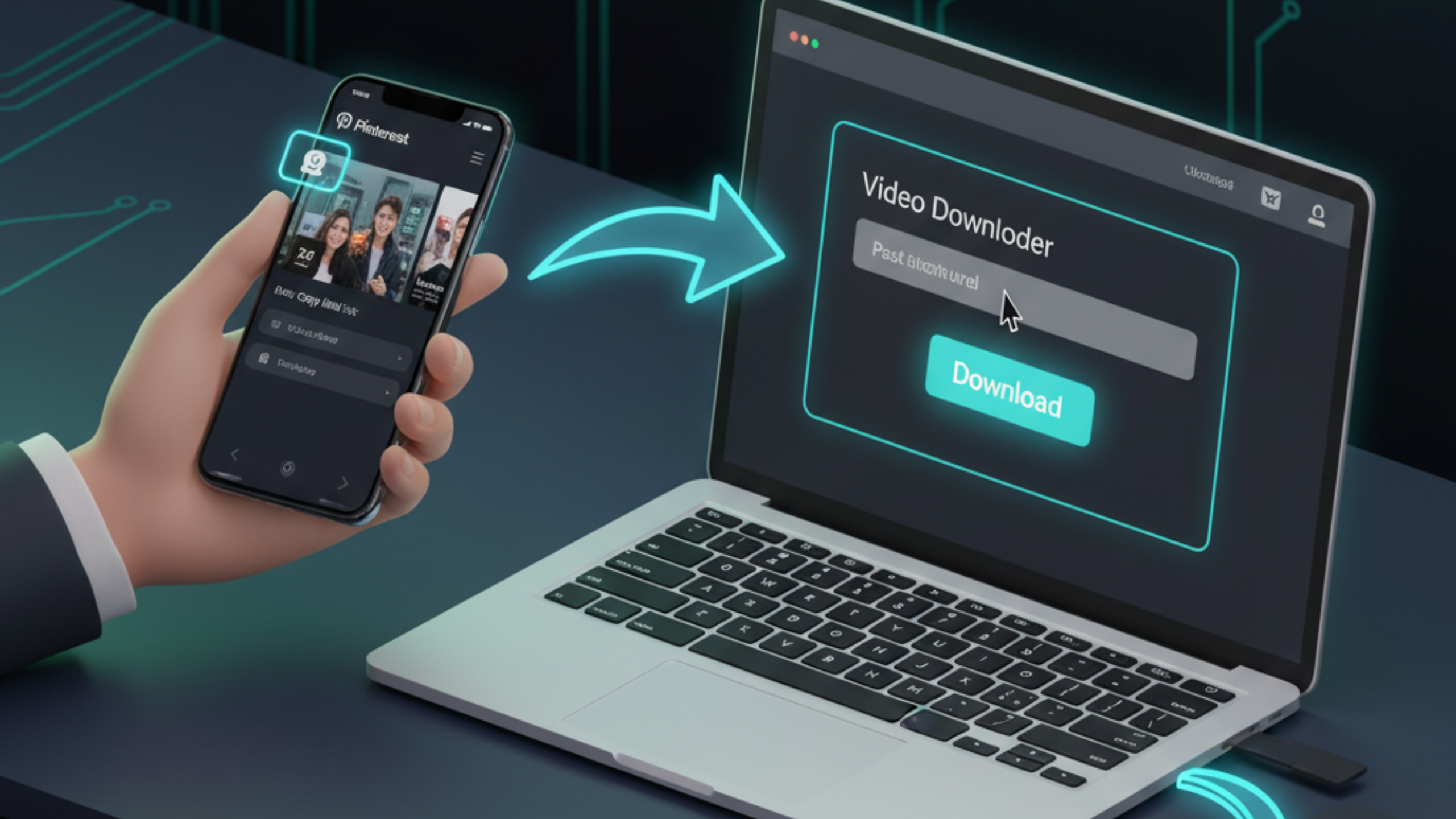
A Pinterest download is easiest when you treat it like a clean workflow: open the Pin, copy the real link from the address bar, choose MP4 for video, and save the highest quality Pinterest provides for that upload. Idea Pins and slideshows often require page-by-page saving, so focus on the clips that matter. For a fast, no-login way to save Pins across iPhone, Android, and PC, FreeSocialDownloader.com helps you download and organize files in minutes.

Blog & Tutorials

Practical guides to download videos in HD from all major platforms.