VK Video Downloader
HD MP4 + MP3 (2025)

A practical guide to saving VK videos in MP4, extracting audio as MP3, and downloading albums and playlists on mobile or desktop.

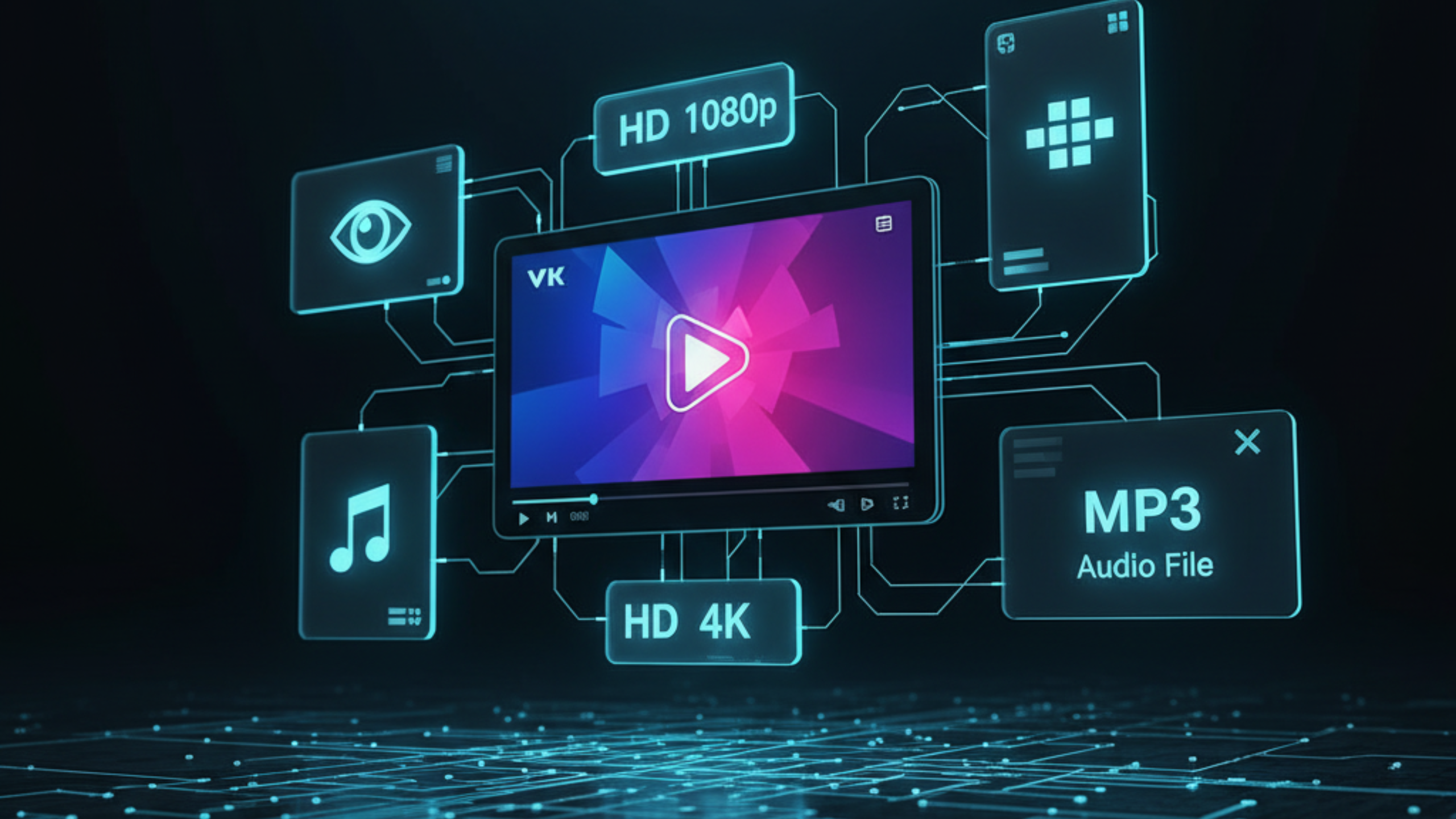
VK video downloader hero banner showing MP4 and MP3 downloads using FreeSocialDownloader

If you need a VK video downloader HD that works without installing apps, the reliable method is simple: copy the VK link, paste it into a web tool, choose MP4 (or MP3 if you only need audio), then save the file. The quality you can download depends on what VK provides for that upload, so 1080p or 4K appears only when it exists. This guide covers links, formats, devices, playlists, and common failures like private access, redirects, and missing sound.

How to Download VK Videos in HD

A straightforward method, plus the rules that prevent wasted time.

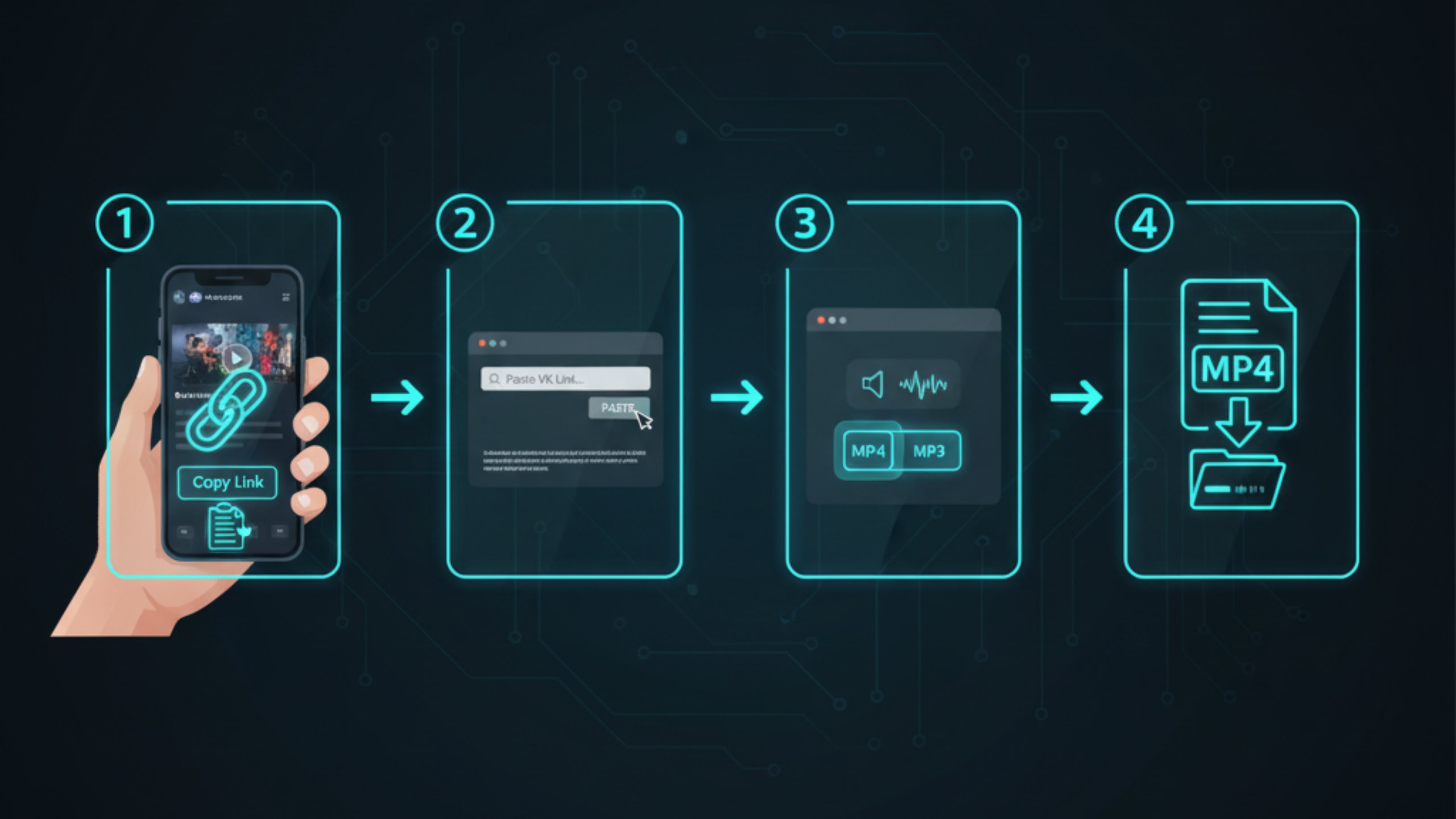
How to download VK videos step by step with FreeSocialDownloader guide

Step-by-step (works for most VK links)

  1. Open the VK video in your browser or VK app.
  2. Copy the full URL (avoid shortened or redirected links when possible).
  3. Open FreeSocialDownloader.com and go to the VK downloader tool.
  4. Paste the link into the input field.
  5. Select MP4 for video (VK mp4 download) or MP3 for audio (VK to MP3 converter).
  6. Choose the highest available quality (HD/1080p/4K appears only when VK serves it).
  7. Download and save to your device storage.
Quality rule that saves time: A tool cannot upgrade quality. If VK provides only 720p for a video, you will not get 1080p or 4K for that same link. This is why some “VK 4K video download” attempts show fewer options.

To download VK videos in HD, copy the VK video link, paste it into FreeSocialDownloader.com, select MP4, choose the highest quality available, then save the file. HD options depend on what VK serves for that upload, so not every video will offer 1080p or 4K.

Formats, Quality Levels, and Audio Extraction

Understand MP4, MP3, and why some downloads fail or lose sound.

VK video formats MP4 MP3 HD 1080p and 4K quality supported by FreeSocialDownloader

Main entities you will see

  • VK URL: a link to a video page, post attachment, or media item.
  • Downloader tool: a web tool that extracts available VK streams and provides download options.
  • MP4: standard video format for phones and computers.
  • MP3: audio-only format for music, podcasts, lessons, and voice clips.
  • Resolution: 360p, 480p, 720p (HD), 1080p (Full HD), and sometimes 4K when available.

MP4 vs MP3 for VK content

  • MP4 is the default when you want the full video file for offline viewing.
  • MP3 is best when the content is mostly audio (VK music downloader use case).

HD, 1080p, and 4K: what changes

“VK HD 1080p video save” works only when VK serves a Full HD stream for the same video. “VK 4K video download” appears less often because not every upload provides 4K streams. If a video was uploaded in lower quality, your highest download option will match that limitation.

If MP4 downloads with no sound

The most common cause is separate audio and video tracks. Try another quality option first. If the issue persists, test the same link in another browser and retry. If you only need audio, use MP3 extraction instead.

Quick check: If it plays with sound inside VK but your downloaded file is silent, the stream tracks likely separated. Switching from 1080p to 720p (or the reverse) often changes packaging and fixes it.

Device Guides: Android, iPhone, Windows, and Mac

Fast steps for each device, plus where files usually save.

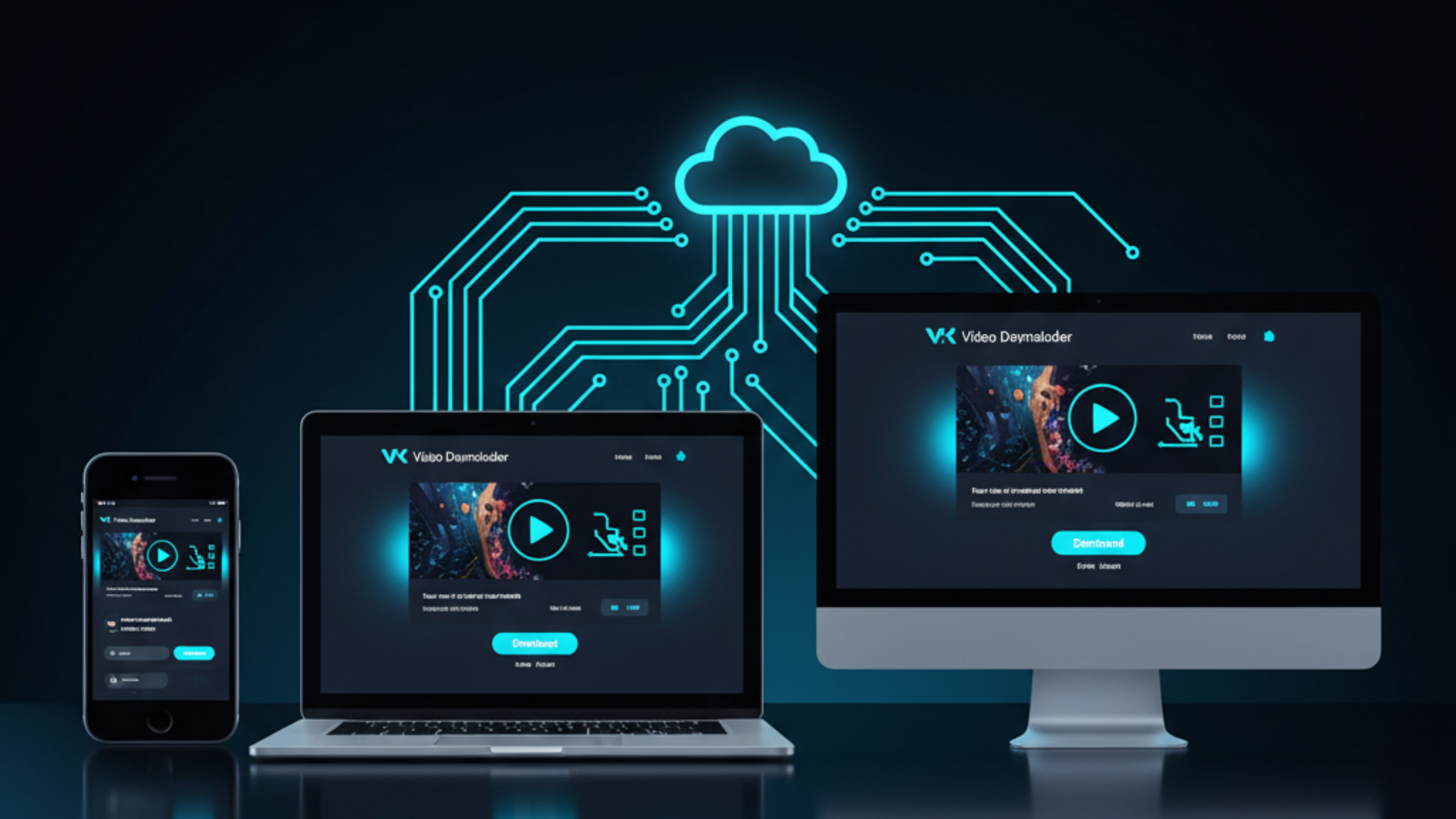
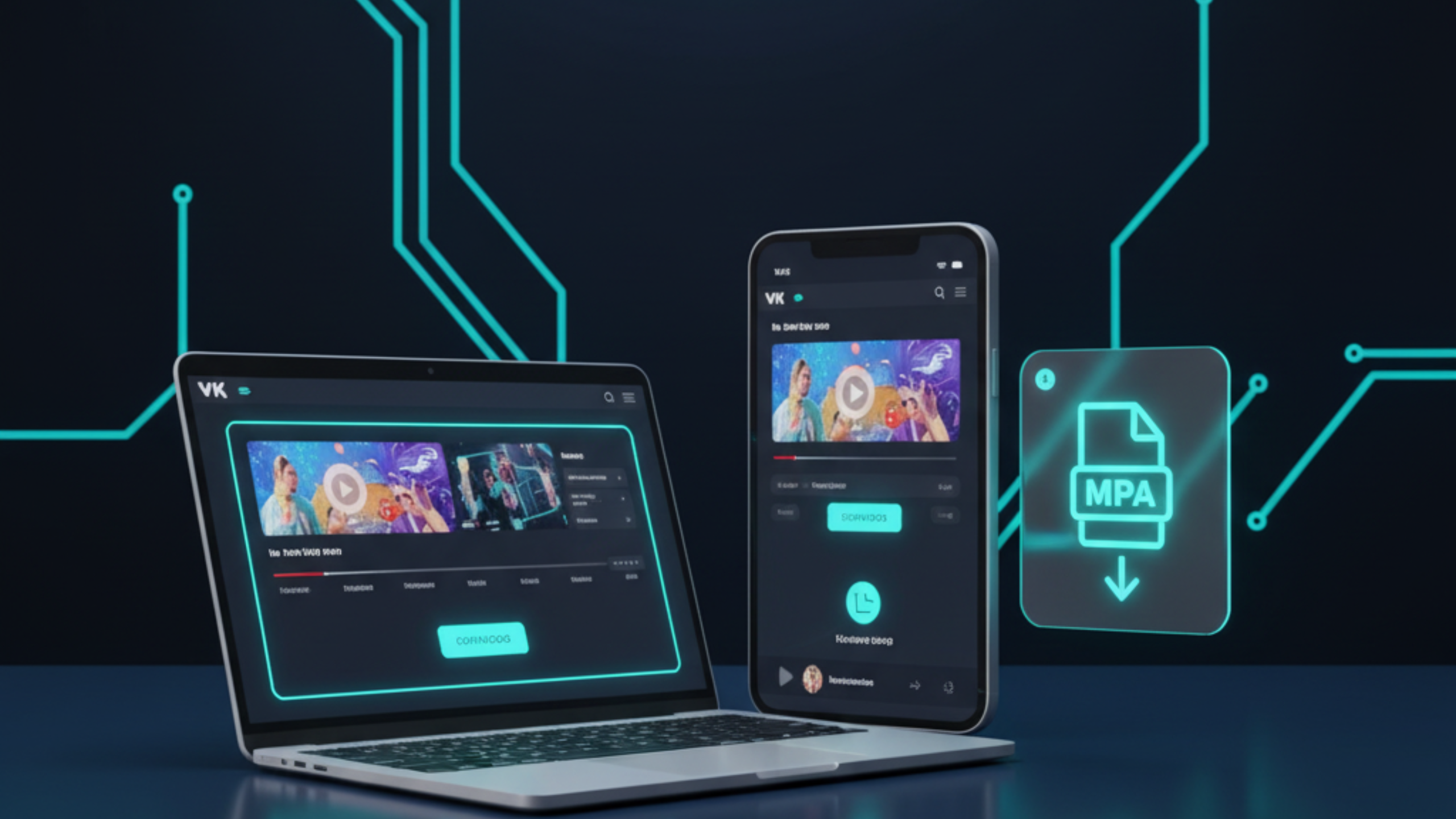
VK video downloader working on iPhone Android PC and Mac using FreeSocialDownloader

Android (Chrome)

  1. Copy the VK video URL from the app share menu or browser address bar.
  2. Open Chrome and go to FreeSocialDownloader.com.
  3. Paste the link into the VK tool and select MP4 or MP3.
  4. Download and check your Downloads folder.

iPhone / iPad (Safari)

  1. Copy the VK link (Share → Copy link).
  2. Open Safari and paste the link into the VK downloader.
  3. Download MP4 or MP3.
  4. Find the file in the Files app → Downloads.

Windows / Mac (Chrome / Edge / Safari)

  1. Open the VK video in a browser and copy the full URL.
  2. Paste it into the VK downloader tool.
  3. Select MP4 (video) or MP3 (audio), then save.
  4. Check your browser downloads list to confirm the file completed.
Tip that prevents broken links: If VK opens an in-app browser, use the menu option to “Open in browser,” then copy the final URL. Many failures come from copied redirect links.

VK Content Types: Videos, Music, Albums, and Playlists

What you can save depends on the media type and access rules.

VK videos (posts and video pages)

A standard VK video link is the easiest case. Copy the URL, paste it into the tool, then choose MP4. If the video is long, desktop browsers often download more reliably than mobile.

VK audio extraction and music saves

If your goal is “VK music downloader” behavior, MP3 extraction is the clean path. Use MP3 only for content you own or have permission to save.

VK photos and album downloads

“Save VK photos” and “VK album downloader” workflows depend on whether the album is public and accessible. If you can open the photo or album in your browser without permission errors, downloads are usually possible.

VK playlists

“VK playlist download” is often requested for educational series or curated collections. Some playlists expose per-item links; others require opening each media item individually. The most reliable approach is: open the specific media item you need, copy its URL, then download it.

Practical expectation: Batch saving depends on how VK presents the media list. When a playlist link fails, downloading per-item links works more consistently.

Private and Restricted VK Media

What can work, what fails, and what you should avoid.

VK restrictions usually come from account permissions, group membership, age settings, regional limitations, or content removal. The safest rule is simple: download only content you are allowed to view and save. If you cannot access the media in a normal browser session, a tool should fail.

Cases where downloading can work

  • You can open the video or photo normally in your browser.
  • The content is public or shared with you directly.
  • You have valid access through a group or profile permissions.

Cases where it will fail

  • You see a permission error, blocked content notice, or login-required wall.
  • The media is deleted, removed, or restricted by region or policy.
  • The link points to a private album or private page you cannot access.
Security note: Avoid tools that ask for your VK password. A safe VK downloader should not require your account credentials for public downloads.

Comparison: Best Methods by Situation

Method A is best for speed. Method B works when links are tricky.

Quick comparison

  • Method A (Browser downloader): best for fast saves, no installs, and clear MP4/MP3 options.
  • Method B (Desktop browser copy): best for long videos, fewer redirects, and large HD files.
  • Method C (In-app save/bookmark): best for organizing, not for getting a file.
  • Method D (Screen recording): last resort; quality and audio can suffer, and files can be large.

Which method should you use?

If you want a “free VK downloader no app” approach, start with Method A. If a link fails due to redirects or long duration, Method B (desktop) is usually more stable. Screen recording is useful only when nothing else works, and it often reduces clarity.

A common question is: “Why does one link work on desktop but fail on mobile?” Mobile apps and in-app browsers can add redirects. Copying the final URL in a desktop browser often fixes it.

If VK Download Isn’t Working: Causes and Fixes

The fastest fixes first, with clear reasons behind each one.

1) The link is redirected or incomplete

Some share flows copy a shortened or redirected link. Open the URL in a normal browser tab, then copy the final URL from the address bar and retry.

2) The media is private or permissioned

If VK requires login or membership for that content, direct downloading may fail. Use only content you can access and have permission to save.

3) Large files and unstable connections

Long videos or high-quality files can fail mid-download on mobile data. Switch to Wi-Fi, retry on desktop, or pick a slightly lower quality option.

4) Audio missing in MP4

Try another quality option, then switch browsers. If you only need audio, use MP3 extraction.

5) VK changed stream packaging

Platforms update delivery formats. If a link worked before but fails now, retry with a tool that updates to match current streams.

Quick reset checklist: Paste the link again, retry once, switch browser, then retry. If it still fails, it is usually an access or redirect issue.

Real Use Cases People Actually Have

Short scenarios that match how people save VK media in real life.

Use case: saving a lesson before travel

You find a short tutorial video on VK but you will be offline later. You download MP4 once, save it to your phone, and watch it anytime without buffering.

Use case: extracting an interview as audio

A long talk is mostly speech. You use MP3 extraction to keep the audio, reduce file size, and listen like a podcast.

Use case: saving a public album for reference

You need reference images from a public VK album. If the album is accessible in your browser, saving the images is a clean way to use them for personal study or offline viewing.

Many users ask: “Should I download on mobile or desktop?” Mobile is fastest for quick saves. Desktop is better for long videos and fewer redirect problems.

FAQ

Short answers to common questions about VK HD downloads, MP4/MP3, albums, playlists, and link issues.

How do I download VK videos in HD?
Copy the VK link, paste it into FreeSocialDownloader.com, select MP4, choose the highest quality available, then save the file.
Can I download VK videos as MP4?
Yes. MP4 is the most compatible option for iPhone, Android, Windows, and macOS playback.
Does VK 1080p download always work?
No. 1080p appears only when VK serves a Full HD stream for that upload.
Can I download VK videos in 4K?
Only if VK provides a 4K stream for the original upload. Many videos do not offer 4K options.
How does VK to MP3 conversion work?
Paste the VK link into the downloader and select MP3 to extract the audio when it is available and permitted.
Why does my VK MP4 download have no sound?
Audio and video tracks can be separate. Try another quality option, switch browsers, or use MP3 extraction if you only need audio.
Where do VK downloads save on Android?
Usually in the Downloads folder. Some devices also show downloaded videos in Gallery depending on settings.
Where do VK downloads save on iPhone?
Typically in the Files app under Downloads when you use Safari.
Is a browser-based VK video download safer than an app?
Often yes. It avoids unknown installs and works directly in your existing browser.
Do I need to log in to download VK media?
Public downloads should not require credentials. Private content depends on access permissions and may fail without valid viewing rights.
Can I download VK movies or long videos?
Sometimes. Long videos download more reliably on desktop with a stable connection. If a link is restricted, it may fail.
What causes “download not working” on VK links?
Common causes are redirects, private access, removed content, region restrictions, or unstable connections for large files.
How do I avoid broken VK links from the app?
Open the content in a normal browser tab and copy the final URL from the address bar instead of a redirected share link.
Can I save VK photos?
If the photo is public and accessible in your browser, saving it is usually possible. Private albums can block downloads.
Does VK album downloading always work?
It depends on album privacy and how VK exposes individual photo links. Public albums are the easiest.
How do I download a VK playlist?
The most reliable method is downloading per item: open each media item, copy its URL, then download it.
What is the fastest VK downloader approach?
Copy the link, paste into the tool, pick MP4 or MP3, then choose quality and save. Desktop is often faster for large files.
Is it safe to use a VK downloader that asks for a password?
Avoid it. A secure tool should not request your VK password for public downloads.
Why do quality options change between devices?
Some devices copy redirected links or load different stream variants. Copying the final URL in a desktop browser often stabilizes results.
Is downloading VK content legal for personal use?
For personal use it can be acceptable when you have permission. Copyright still belongs to the creator or rights holder.
Conclusion

A VK video downloader HD works best when you copy the final VK link, choose MP4 for video or MP3 for audio, and download the highest quality VK actually provides for that upload. If a download fails, the cause is usually redirects or restricted access. For quick, clean saves across devices, FreeSocialDownloader.com is a simple browser-based option.

Blog & Tutorials

Practical guides to download videos in HD from all major platforms.