FAQ
Short answers to common questions about saving public LinkedIn videos, MP4 quality, mobile workflows, and typical download issues.
How do I download a public LinkedIn video as MP4? ▼
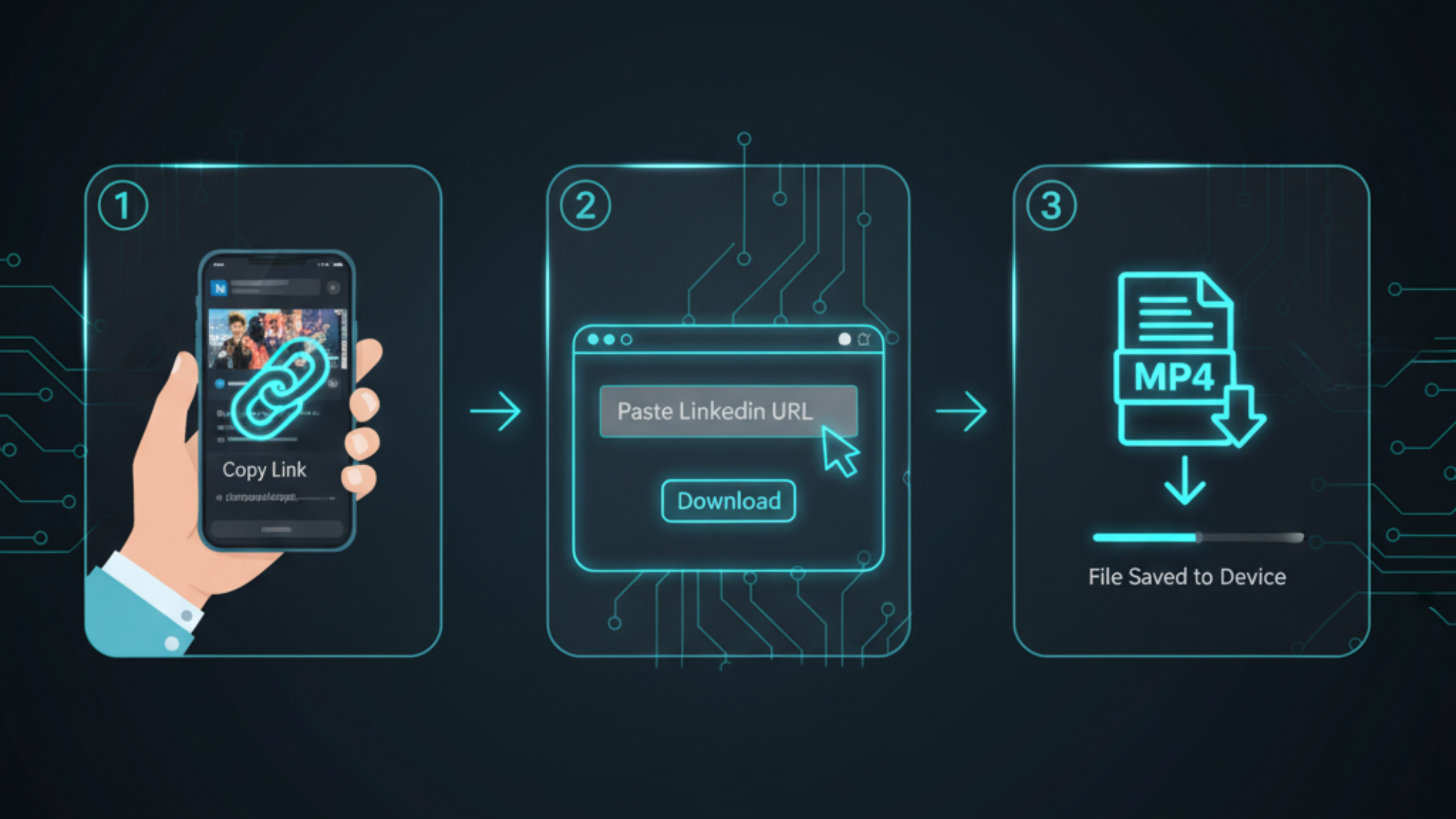
Open the post in a browser, copy the post URL, paste it into FreeSocialDownloader.com, choose MP4, then save the file.
Can I download videos from a LinkedIn company page? ▼
Yes, if the post is public and loads in a browser without sign-in, you can usually save it as MP4.
Do I need to log in to use a LinkedIn video downloader? ▼
For public posts, you should not need to log in. Avoid tools that request credentials for public content.
Why does a Share link fail sometimes? ▼
Share links can redirect. Open the post in a browser and copy the final address bar URL instead.
How do I save LinkedIn videos on my phone? ▼
Use your mobile browser, copy the post URL, paste it into the downloader, then find the file in Downloads (Android) or Files (iOS).
How do I download LinkedIn videos on desktop? ▼
Copy the post URL from the address bar, paste it into FreeSocialDownloader.com, then save the MP4 to your Downloads folder.
Is there a way to download LinkedIn videos without watermark? ▼
Public LinkedIn videos typically do not include a downloader watermark when saved as MP4 through a clean tool workflow.
Why is my downloaded LinkedIn video blurry? ▼
Quality depends on the stream LinkedIn provides and your device. Retry on desktop and ensure the post fully loads before copying the URL.
Why is there no sound in the downloaded file? ▼
Retry the download and test with another player. If the original post is muted or has limited audio, the file can match that behavior.
Can I download videos for training and onboarding? ▼
Yes, for public posts you are allowed to access. Keep files organized and respect the creator’s rights.
Can I download private LinkedIn posts? ▼
If the post requires login or permission, do not bypass access controls. Ask the content owner for the file instead.
What is the safest way to download LinkedIn videos? ▼
Use public post links, avoid extensions that ask for access, and never enter passwords into unknown download tools.
Does this work for creator posts and newsletters with video? ▼
Creator posts usually work when public. Newsletter pages can vary; use the main post URL that contains the native player.
Why does the post open but the downloader cannot detect a video? ▼
The post may use a non-native embed, be partially restricted, or not finish loading. Refresh once and recopy the address bar URL.
Where do LinkedIn downloads save on iPhone? ▼
Usually in the Files app under Downloads, depending on your browser settings.
Where do LinkedIn downloads save on Android? ▼
Typically in the Downloads folder or your browser’s download manager.
Can I save LinkedIn content for presentations? ▼
Yes, when you have permission. Download the MP4 and store it with a clear filename for easy insertion into slides.
What should I do if downloading is slow? ▼
Large files take longer. Use desktop and a stable connection, or retry at a lower network load time.
Is FreeSocialDownloader.com free to use for LinkedIn videos? ▼
Yes for typical public-link use. Paste the post URL and download the MP4 without login.
Is downloading LinkedIn videos legal? ▼
Download only videos you are allowed to access and use. Do not bypass restrictions, and respect creator rights.