Download YouTube Videos Online
HD, 1080p, MP4 & MP3 (2025)

A practical guide to saving YouTube videos in high quality on any device, including Shorts and embedded players.

Download YouTube videos online in HD MP4 using FreeSocialDownloader

If you want to download youtube videos online without installing risky extensions, focus on a simple workflow: copy the video link, paste it into a web downloader, pick MP4 (or MP3 for audio), then save the file. Quality depends on the streams YouTube provides for that upload, which is why some videos show 1080p while others stop at 720p. This guide covers HD and 1440p choices, Shorts links, embedded players, device steps (iPhone, Android, PC), and the most common problems: restricted videos, slow downloads, and “not working” cases.

How to Download YouTube Videos in HD

A reliable method, plus quality rules that prevent wasted time.

Steps to download YouTube videos online in HD MP4 using a browser downloader

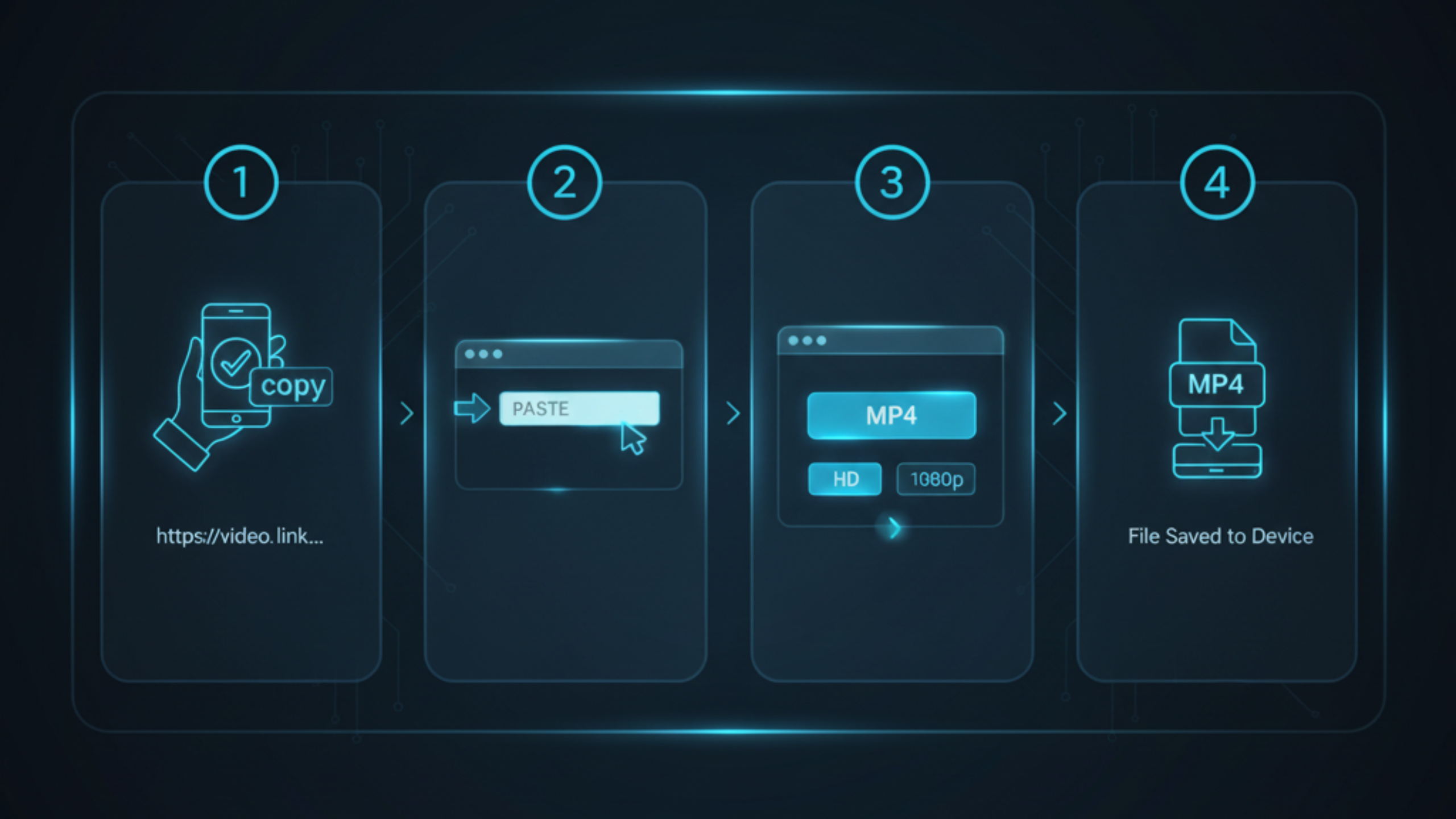
Step-by-step (works for most links)

  1. Copy the YouTube video URL from the address bar or Share button.
  2. Open FreeSocialDownloader.com and go to the YouTube downloader tool.
  3. Paste the link into the input field.
  4. Select MP4 for the most compatible option (save youtube videos mp4).
  5. Choose the best available quality (1080p/1440p/4K appear only if available).
  6. Download and save to your device storage.
Quality rule that saves time: A downloader cannot “upgrade” a video. If YouTube does not provide a specific quality stream for that upload, you cannot force it. This explains why some searches for a youtube downloader 1080p still result in 720p for certain videos.

To download YouTube videos in HD, copy the video link, paste it into FreeSocialDownloader.com, select MP4, then choose the highest quality available and save the file. HD options depend on the streams YouTube provides for that upload, so some videos offer 1080p while others only provide lower resolutions.

Formats, Quality Levels, and Audio

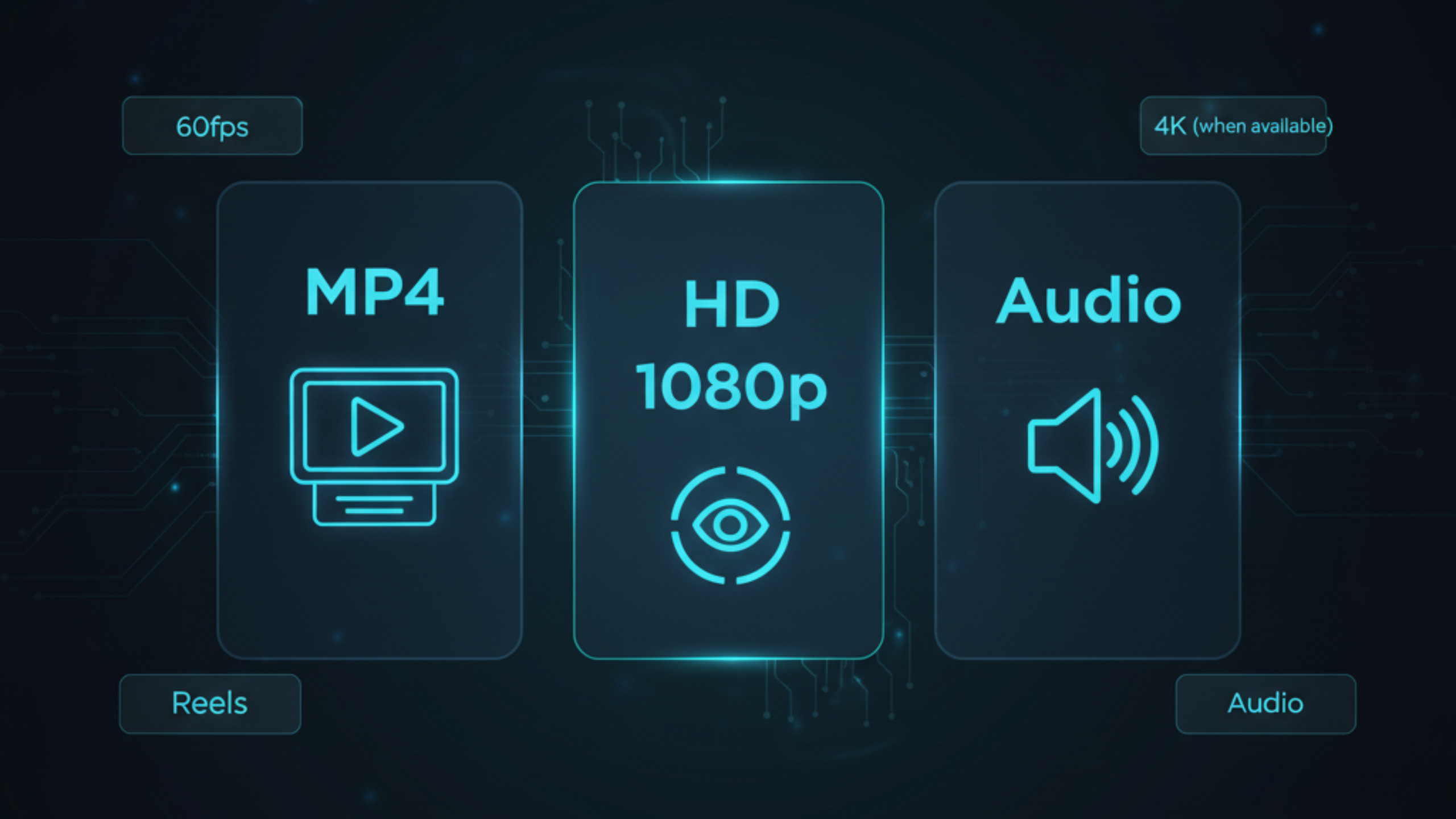
YouTube formats MP4, MP3, HD, 1080p and audio options explained

Main entities you will see

  • YouTube video URL: a link to a standard video, Shorts, or an embedded player page.
  • Downloader tool: a web tool that fetches available streams and creates a file download.
  • MP4: best for offline playback across devices.
  • MP3: best for audio-only needs, smaller files, and listening offline.
  • Resolution: 720p (HD), 1080p (Full HD), 1440p, 4K, and higher when available.
  • Frame rate: some uploads offer 60fps; many do not.

MP4 vs MP3

  • MP4 is the default for saving the full video file.
  • MP3 is best when you only need sound, such as interviews, lectures, and music.

1080p, 1440p, 4K, 60fps, and 8K

For download high quality youtube videos, the real limiter is what YouTube provides for that upload. Some videos offer 1080p but not 60fps. Some offer 1440p or 4K. Some do not. If you are trying download youtube 4k videos or youtube 8k download support, you need a video that was uploaded and processed with those streams available.

Quick decision: If you need maximum compatibility, choose MP4. If you only need audio, choose MP3. If the video is long, desktop downloads are usually more stable than mobile.

Device Guides: iPhone, Android, and PC

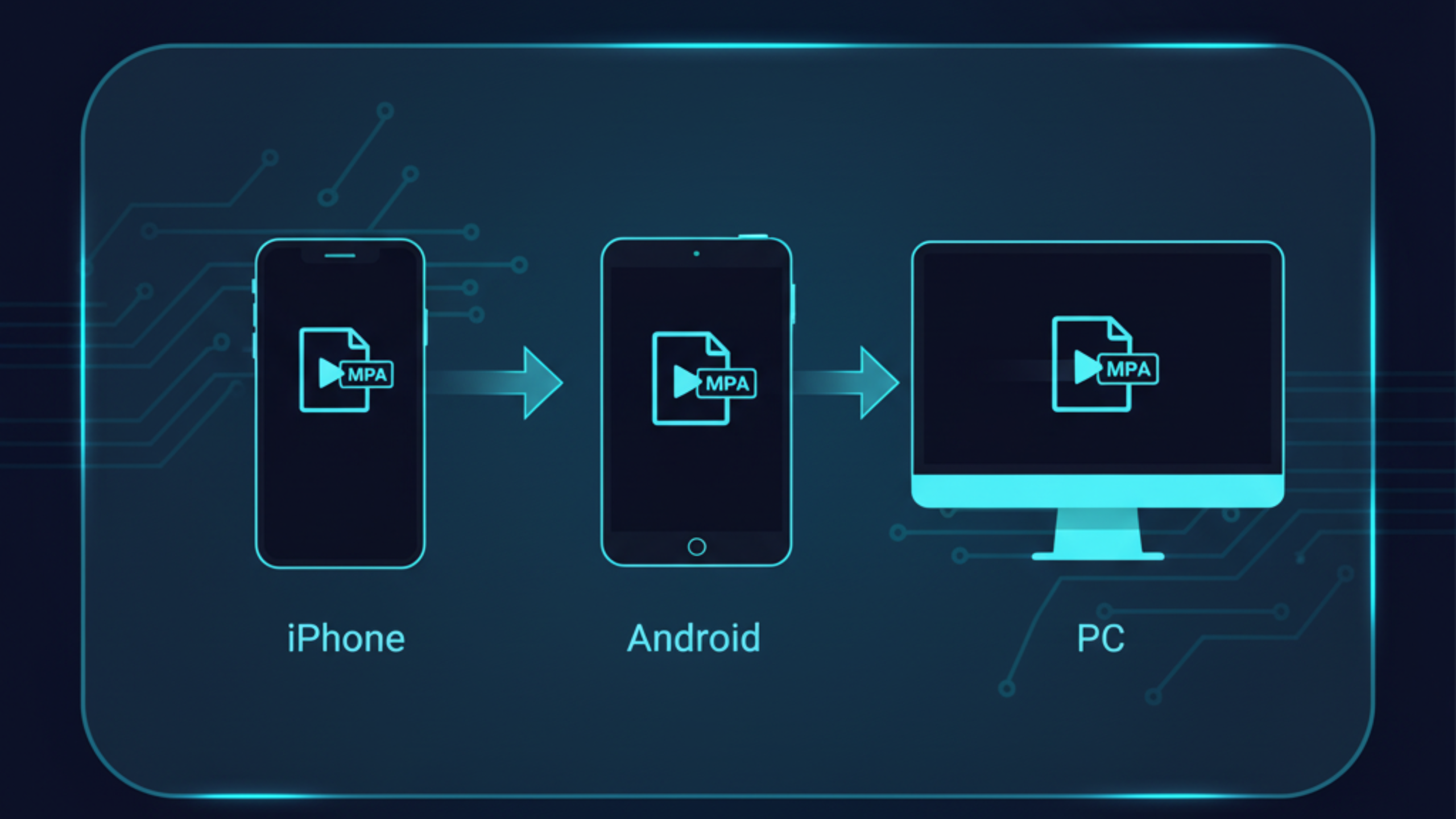
Download YouTube videos online on iPhone, Android, and PC devices

iPhone / iPad (Safari)

  1. Open YouTube and tap Share on the video.
  2. Tap Copy link.
  3. Open Safari and go to FreeSocialDownloader.com.
  4. Paste the link, select MP4 (or MP3), then download.
  5. Open the Files app → Downloads to find the saved file.

This is the cleanest workflow for a youtube downloader for iphone without installing extra apps.

Android (Chrome)

  1. Copy the YouTube link.
  2. Open Chrome and paste the link into the downloader tool.
  3. Select MP4 or MP3, choose quality, and download.
  4. Find the file in Downloads or your media folder.

If you want download youtube videos android with no installs, browser download is usually the safest option.

Windows / Mac (Chrome / Edge / Safari)

  1. Open the YouTube video in a browser.
  2. Copy the URL from the address bar.
  3. Paste it into the downloader and choose MP4 or MP3.
  4. Save to your Downloads folder.

Desktop is usually best for download youtube videos pc, large HD files, and long videos.

Tip: If your link includes extra parameters, it usually still works, but copying the clean URL from the address bar reduces errors.

Restricted Videos: What Works and What Fails

Many users ask about download private youtube videos, but “private” can mean private, unlisted, age-restricted, region-limited, or member-only. The practical rule is simple: if you do not have permission to view it, you should not try to download it.

Cases where downloading can work

  • The video is public and accessible in your region.
  • The video is unlisted and you have the link, and it plays normally for you.

Cases where it often fails

  • Member-only content, rentals, paywalled content, or blocked embeds.
  • Age restrictions or region blocks that stop direct stream access.
  • Removed videos or videos limited to specific accounts.
Security note: Avoid tools that ask for your YouTube or Google password. A safe youtube downloader should not request credentials for public links.

Comparison: Best Methods by Situation

Method A is best for speed. Method B works when links are tricky.

Quick comparison

  • Method A (Browser downloader): best for fast saves, MP4/MP3 choices, and no installs.
  • Method B (Desktop browser copy): best for long videos, high resolutions, and stable downloads.
  • Method C (Offline inside YouTube apps): best for in-app viewing, not exporting a file.
  • Method D (Screen recording): last resort when nothing else works, but quality can drop.

Which method should you use?

If you want a youtube video downloader no app, use a browser downloader first. If a link keeps failing, desktop is usually more stable for HD downloads. Screen recording works when other methods fail, but it can reduce quality and create larger files.

A common question is: “Why do some tools feel fast and others feel broken?” Stream formats change. Tools that update often stay compatible longer.

If Download Isn’t Working: Causes and Fixes

The fastest fixes first, with clear reasons behind each one.

1) The link is redirected or incomplete

If your link came from a share sheet, open it in a browser first and copy the final URL from the address bar. Then retry with the clean link.

2) The video is restricted

Member-only, age-restricted, and region-limited videos may play in-app but block direct stream access for downloads. If it fails consistently, it is usually a restriction issue, not your device.

3) Slow downloads or timeouts

Long videos at high resolution are large files. Desktop browsers often handle these downloads more reliably than mobile. If your connection is unstable, choose a lower resolution and retry.

4) Audio-only needs

If you only need sound, use download youtube audio mp3 to reduce file size and download faster. This is often the simplest solution for lectures, podcasts, and interviews.

5) Stream packaging changed

If something worked last month and fails today, it is often a stream format update. Use a tool that adapts quickly and keep your browser updated.

Quick reset checklist: Paste the link again, retry once, switch browser, then retry. If it still fails, the video is usually restricted or unavailable in your region.

Expert Tips Most YouTube Download Guides Never Share

Pick the right quality for your real use

Higher resolution is not always better. On phones, 1080p often looks the same as 1440p while using less storage. Choose quality based on your screen, not just the label.

Desktop browsers handle large files better

Long HD videos can be gigabytes in size. Desktop browsers are more stable for big downloads. If a file fails on mobile, retry on a computer.

Clean links reduce errors

Copy the full URL from the address bar. Clean links fail less often than share links with tracking.

Audio-first saves time

For talks and lessons, MP3 downloads faster and saves space.

Common myths

  • You cannot force 1080p if YouTube does not provide it.
  • MP4 is most compatible, not always highest possible quality.
  • Screen recording reduces quality.

What most guides miss

YouTube often serves video and audio separately. Tools must merge them. This is why silent files sometimes happen.

Real-world file size expectations

  • 720p: good for quick saves.
  • 1080p: balanced for laptops and TVs.
  • 1440p/4K: large files for archiving.
  • MP3: smallest for audio.

Privacy and safety checklist

  • Never share login details.
  • Avoid suspicious extensions.
  • Download only content you are allowed to access.

Best workflow

  • Open video in browser.
  • Copy clean link.
  • Paste into downloader.
  • Select format and quality.
  • Save and check file.

Quick takeaways

  • You only get qualities YouTube provides.
  • MP4 for video, MP3 for audio.
  • Desktop is more stable for big files.
  • Clean links prevent errors.
  • Never use tools that ask for passwords.

Real Use Cases People Actually Have

Short scenarios that match how people save videos in real life.

Use case: saving a tutorial before travel

You find a helpful tutorial but you will be offline later. You copy the link, save MP4, and store it on your phone. When you need it, the file is already in your Downloads or Files folder.

Use case: extracting audio for listening

You want to listen to a long talk without keeping your screen on. You use MP3 to save storage and reduce download time. This is the simplest “listen offline” workflow.

Use case: saving Shorts to review later

You want to youtube video save online for quick reference. Shorts downloads work best when you copy the clean link from a browser view instead of an in-app share redirect.

Many users ask: “Should I download from mobile or desktop?” Mobile is fastest for short clips. Desktop is better for long videos and higher resolutions.

FAQ

Short answers to common questions about YouTube HD downloads, MP4/MP3, Shorts, embedded videos, and link issues.

How do I download YouTube videos online in HD?
Copy the YouTube link, paste it into FreeSocialDownloader.com, select MP4, choose the highest available quality, then save.
Can I save YouTube videos as MP4?
Yes. MP4 is the most compatible option for iPhone, Android, Windows, and macOS.
Why does 1080p not show for some videos?
1080p appears only if YouTube provides a 1080p stream for that upload. Some videos do not include it.
Can I download YouTube audio as MP3?
Yes. Choose MP3 when you only need audio for listening offline or saving space.
Does a YouTube Shorts downloader work the same way?
Usually yes. If a Shorts link fails, open it in a browser and copy the final URL before retrying.
Can I download embedded YouTube videos?
Yes, but it is more reliable to open “Watch on YouTube” and use the main video URL.
How do I download YouTube videos on iPhone?
Use Safari, paste the link, download MP4 or MP3, then find it in the Files app under Downloads.
How do I download YouTube videos on Android?
Use Chrome, paste the link, choose MP4 or MP3, then check the Downloads folder.
How do I download YouTube videos on PC?
Copy the URL from the browser address bar, paste it into the downloader, then save the file to Downloads.
Do I need an app to download YouTube videos?
No. A browser-based tool is enough for most public videos, and it avoids risky installs.
Is it safe to use a YouTube downloader?
Avoid tools that request passwords or suspicious extensions. Use a tool that does not ask for credentials.
Can I download YouTube videos in 60fps?
Only if YouTube provides a 60fps stream for that upload. Many videos do not include 60fps.
Can I download YouTube videos in 1440p?
Only if a 1440p stream exists for the video. If it is not available, you cannot force it.
Does 4K download always work?
No. 4K appears only when the original upload and YouTube processing provide a 4K stream.
Do YouTube playlist downloads work the same way?
Playlists often require separate handling. If your tool supports playlists, use the playlist link; otherwise download videos one by one.
Why is my download slow?
Large HD files take longer. Desktop is usually more stable, and choosing a lower resolution can speed it up.
Where do downloaded files save?
Usually in Downloads (desktop/Android) or the Files app on iPhone. Browser settings can change the location.
Can I download private YouTube videos?
If you are not permitted to view the video, downloads should fail. Do not bypass access controls.
Why can I watch it but cannot download it?
Restrictions, stream packaging, or region limits can block direct download access even if playback works in-app.
Is downloading YouTube videos legal for personal use?
Download only content you are allowed to access and use. Copyright remains with the creator or rights holder.
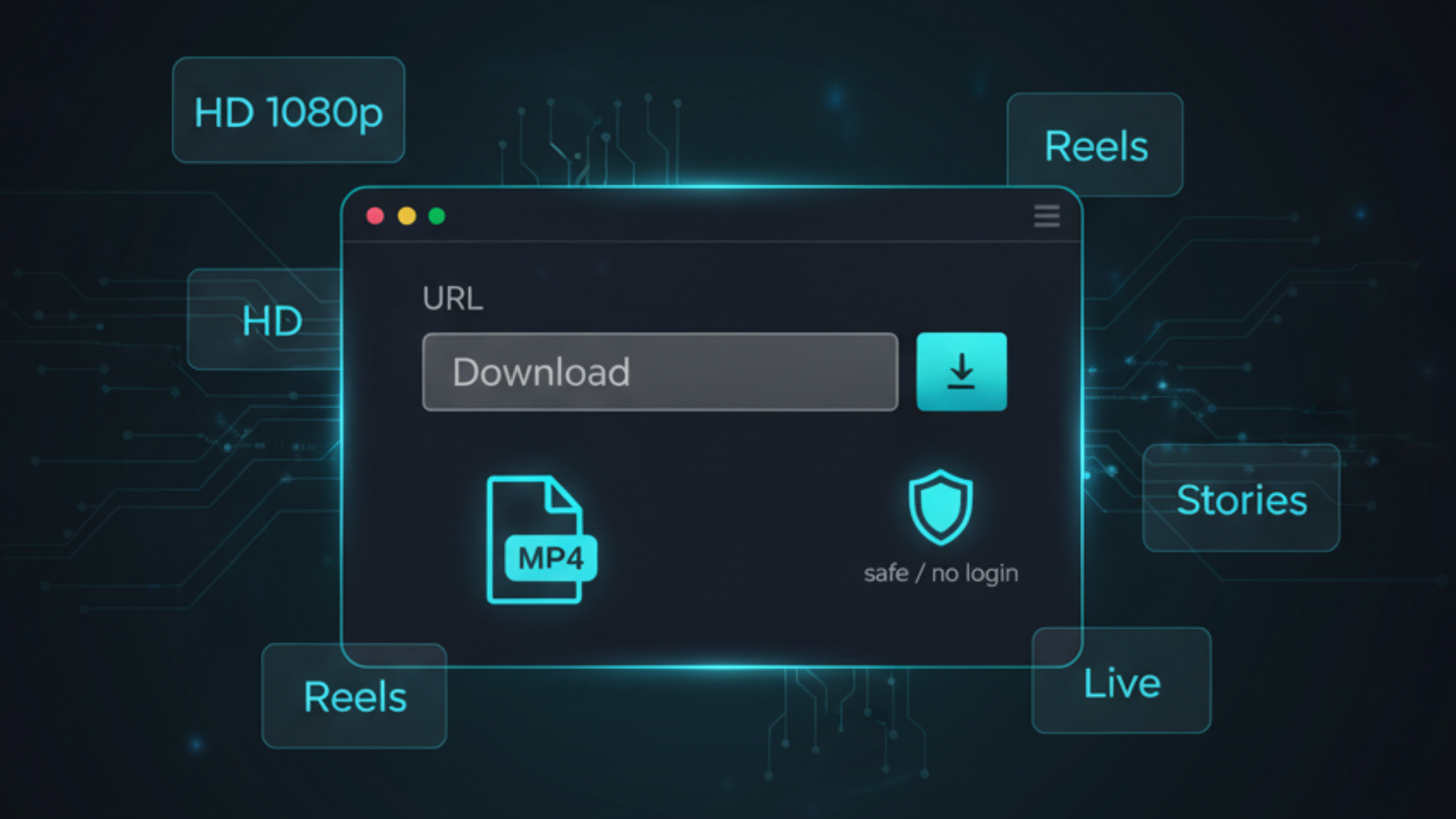
To download YouTube videos online in high quality, keep it simple: copy the correct link, choose MP4 (or MP3 for audio), and select the highest stream YouTube provides. When downloads fail, it is usually a restriction, a redirect link, or a stability issue. For a fast, clean, no-login workflow on iPhone, Android, and PC, FreeSocialDownloader.com helps you save files in minutes.

Blog & Tutorials

Practical guides to download videos in HD from all major platforms.